Your car's acting up, and the nearest mechanic is miles away or booked solid. Don't panic! While a professional diagnosis is always the gold standard, your smartphone, combined with your senses and a little know-how, can be a powerful tool for identifying potential problems. This guide will walk you through a systematic approach to diagnosing car troubles using only your phone, empowering you to understand what's going on before you even speak to a mechanic.
Think of your phone as a mobile diagnostic hub. It can record audio and video of unusual sounds, take detailed photos of potential issues, access repair databases, and even translate jargon when you finally talk to your mechanic. Remember, this isn't about replacing a trained mechanic; it's about becoming an informed and proactive car owner. This guide equips you with the knowledge to make smart decisions, get accurate estimates, and potentially even perform simple fixes yourself.
Before we dive in, a crucial disclaimer: safety first! Always prioritize your safety when inspecting your vehicle. Work in a well-lit, safe location, and if you're unsure about anything, err on the side of caution and consult a professional. With that said, let's get started!
Step 1: Gather Information and Document the Problem
Observational Data Collection
The first step in any diagnosis is careful observation. Start by documenting everything you're experiencing. When did the problem start? What were you doing when it happened? What does it sound, smell, or feel like? Use your phone to record videos of any unusual noises, like clicking when starting the car or a squealing belt. Take detailed photos of any visible issues, such as fluid leaks or worn tires. The more information you gather initially, the easier it will be to narrow down the potential causes.

Step 2: The Visual Inspection - Leveraging Your Phone's Camera
Exterior Assessment
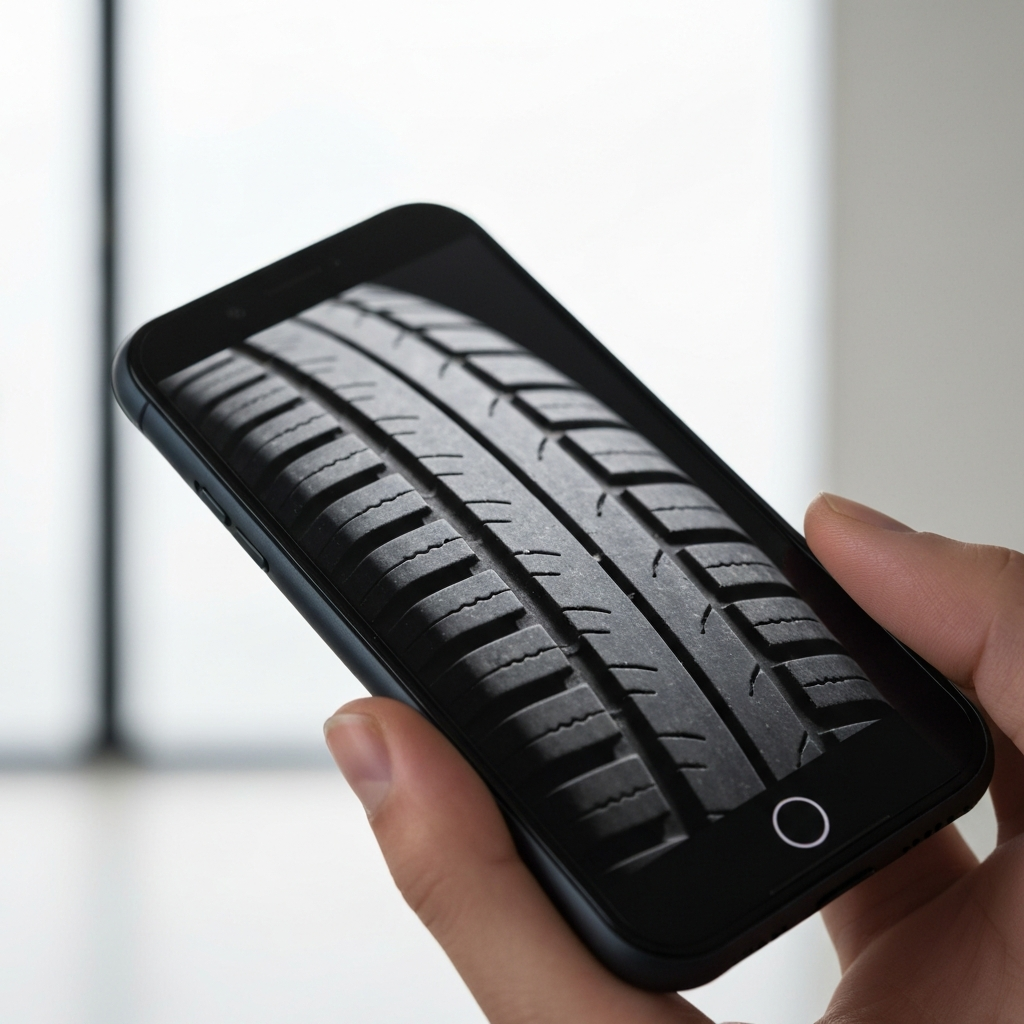
Begin with a thorough visual inspection of your car's exterior. Walk around the vehicle, looking for any obvious signs of damage or wear. Use your phone's camera to take close-up photos of any rust spots, dents, scratches, or uneven tire wear. Pay particular attention to the tires, checking for bulges, cuts, or insufficient tread depth. Uneven wear can indicate alignment issues or suspension problems. Don't forget to check the undercarriage for signs of rust or damage, which can be a significant red flag. Consider using the flashlight on your phone to illuminate hard-to-see areas.
Step 3: Under the Hood - A Smartphone-Assisted Examination
Engine Bay Scrutiny
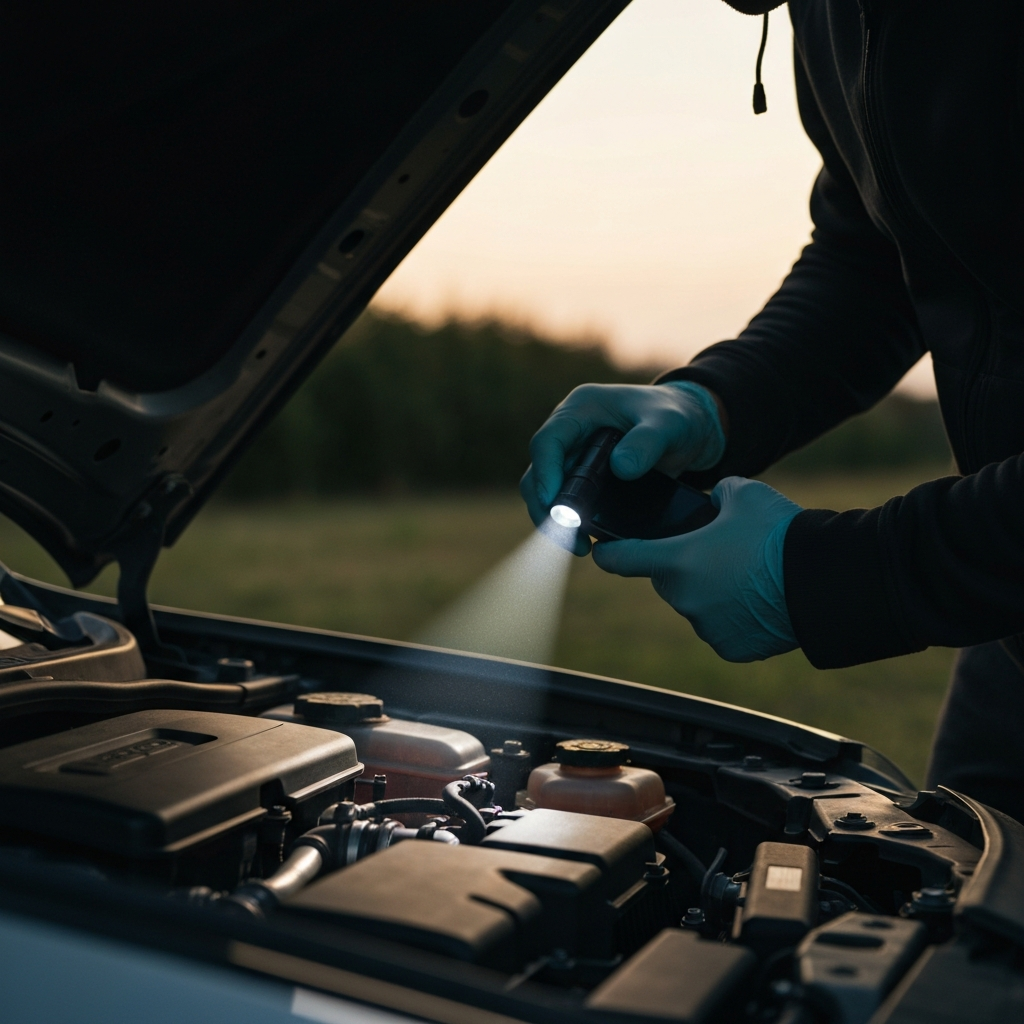
Open the hood and take a good look at the engine bay. Use your phone’s flashlight to illuminate different areas. Inspect the hoses and belts for cracks, fraying, or leaks. Check the fluid levels – oil, coolant, brake fluid, and power steering fluid. Low fluid levels can indicate leaks, which need to be addressed promptly. Look for any signs of oil leaks or coolant leaks on the engine block or surrounding components. Remove the oil cap and check for milky or foamy residue, which could indicate a head gasket leak.
Step 4: Interior Checks - Functionality and Warnings
Cabin Examination
Move inside the car and check all the essential functions. Do the lights work? Does the air conditioning blow cold air? Do the windows roll up and down smoothly? Pay attention to any warning lights illuminated on the dashboard. Many modern cars display specific error messages that can provide valuable clues about the problem. Use your phone to take pictures of any illuminated warning lights or error messages. Check the odometer for the mileage as this information will be useful later. Turn the key or press the start button to verify that all the indicator and display lights are functional including turn signals and hazard warning lights.

Step 5: The Sound Test - Recording and Analyzing Noises
Aural Diagnostics
Start the engine and listen carefully for any unusual noises. Record the sounds with your phone, paying attention to the frequency, pitch, and location of the noise. Is it a clicking sound when starting? A squealing noise from the engine? A grinding sound when braking? Once you have a recording, you can replay it and analyze the sound more carefully. Describing the noise accurately is crucial for communicating the problem to a mechanic. Compare the recorded sounds to online resources or videos of common car problems to help identify the source.
Step 6: Scan for Computer Codes (OBDII)
Electronic Diagnostics
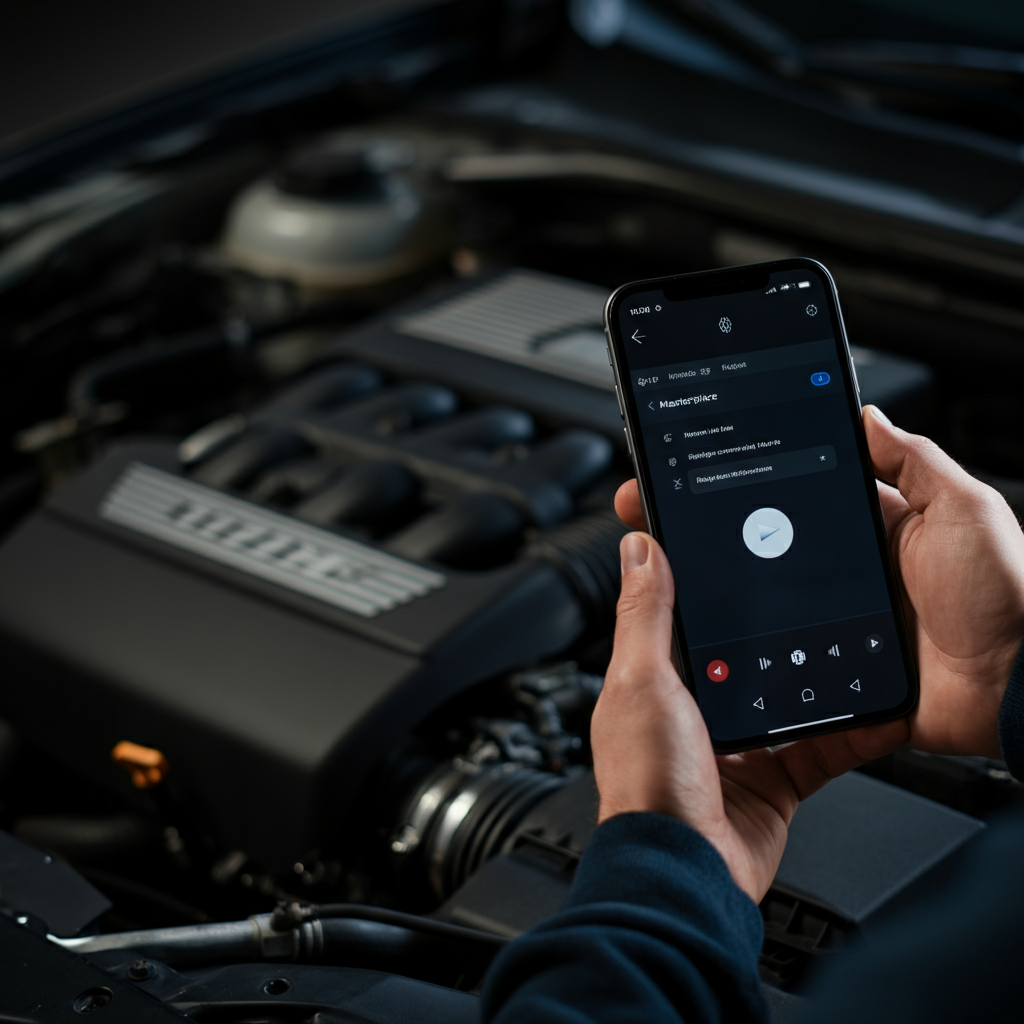
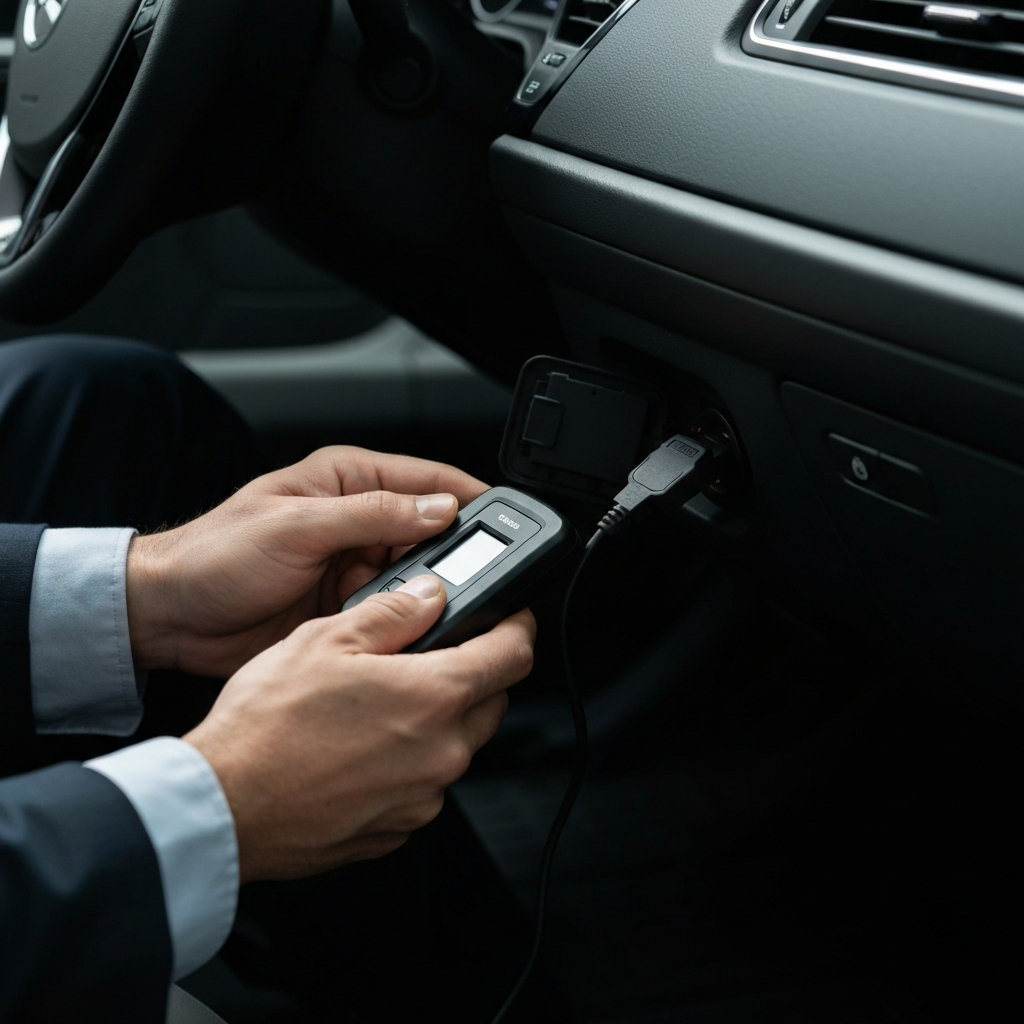
Most cars manufactured after 1996 have an OBDII (On-Board Diagnostics II) port, typically located under the dashboard. You can purchase a Bluetooth OBDII scanner that connects to your phone via an app. These scanners can read diagnostic trouble codes (DTCs) stored in the car's computer, providing valuable information about potential problems. While these codes don't always pinpoint the exact cause, they can significantly narrow down the possibilities. Be sure to research the codes and their potential causes before contacting a mechanic.
Step 7: Test Drive and Dynamic Assessment
Road Evaluation
If it's safe to do so, take the car for a short test drive. Pay attention to how it handles, accelerates, brakes, and shifts. Listen for any unusual noises or vibrations while driving. Note when the issue arises, such as during acceleration, braking, or turning. Does the car pull to one side when braking? Does the steering wheel vibrate at certain speeds? Record any observations with your phone immediately after the test drive to ensure accuracy.

Tools or Materials Required
- Smartphone with a camera and recording capabilities
- Flashlight (usually built into the phone)
- Bluetooth OBDII scanner (optional, but highly recommended)
- OBDII scanner app (compatible with your scanner)
- Gloves (to keep your hands clean)
- Paper and pen (for taking notes)
Common Mistakes to Avoid
- Ignoring warning signs: Don't dismiss unusual noises, smells, or warning lights. These are often early indicators of more serious problems.
- Assuming the problem is fixed after a temporary solution: A temporary fix might mask the symptoms, but the underlying issue may still be present.
- Overlooking safety precautions: Always prioritize your safety when inspecting or working on your vehicle.
Safety Considerations
- Work in a well-ventilated area, especially when dealing with fluids.
- Never work under a car supported only by a jack. Use jack stands for safety.
- Disconnect the negative battery cable before working on electrical components.
- Wear safety glasses to protect your eyes from debris.
Pro Tips
- Take detailed photos and videos: Visual documentation can be invaluable when communicating with a mechanic.
- Research the problem online: Use reputable sources to learn more about potential causes and solutions.
- Consult a professional mechanic: If you're unsure about anything, seek expert advice.
FAQ Section
Q: My check engine light is on. Is it safe to drive?
A: It depends. Some check engine light issues are minor, while others can indicate serious problems. Use an OBDII scanner to read the code and research the potential causes. If the light is flashing or accompanied by other symptoms like loss of power or overheating, it's best to avoid driving and have the car towed to a mechanic.
Q: How accurate are OBDII scanners?
A: OBDII scanners provide valuable clues, but they don't always pinpoint the exact cause of the problem. The codes indicate which system is experiencing an issue, but further diagnosis may be needed to identify the specific component that's failing.
Q: Can I fix car problems myself using information found online?
A: Simple repairs, such as replacing a fuse or changing a light bulb, can often be done yourself. However, more complex repairs should be left to qualified mechanics. Attempting to fix something beyond your skill level can be dangerous and may cause further damage.
Conclusion
By following these steps and utilizing your smartphone's capabilities, you can become a more informed and proactive car owner. Remember to document everything, research potential causes, and prioritize safety. While this guide can help you diagnose car troubles, it's essential to consult a professional mechanic for accurate diagnoses and repairs. Your phone is a valuable tool, but it's no substitute for expert knowledge and experience.