In today's fast-paced world, our digital lives have become as cluttered as our physical spaces. From overflowing inboxes to countless files scattered across various devices, this digital clutter can significantly impact our productivity and overall well-being. A disorganized digital life leads to wasted time searching for files, increased stress levels, and a general feeling of being overwhelmed. Taking the time to declutter and organize your digital world is an investment in your efficiency and peace of mind.
This guide will provide you with a comprehensive, step-by-step approach to decluttering your digital life. We'll cover everything from managing your email inbox to organizing your files and streamlining your online presence. By implementing these strategies, you'll not only boost your performance but also create a more focused and enjoyable digital experience. Get ready to reclaim control and unlock your full digital potential.
Think of this process not just as cleaning, but as building a digital sanctuary where you can readily find what you need and focus on what matters most. It requires a commitment, but the payoff in increased productivity and reduced stress is well worth the effort. Let's dive in and transform your digital chaos into organized calm.
Step 1: Conquer Your Email Inbox
Your email inbox is often the first point of contact with digital clutter. The constant barrage of emails can be overwhelming, leading to missed deadlines and important messages being overlooked. The goal here is not just to empty your inbox, but to create a system that keeps it manageable in the long run. Aim for "inbox zero" – not as an obsession, but as a state of control. This means processing each email immediately: delete it, archive it, respond to it, or delegate it.

Step 2: Organize Your Files and Folders
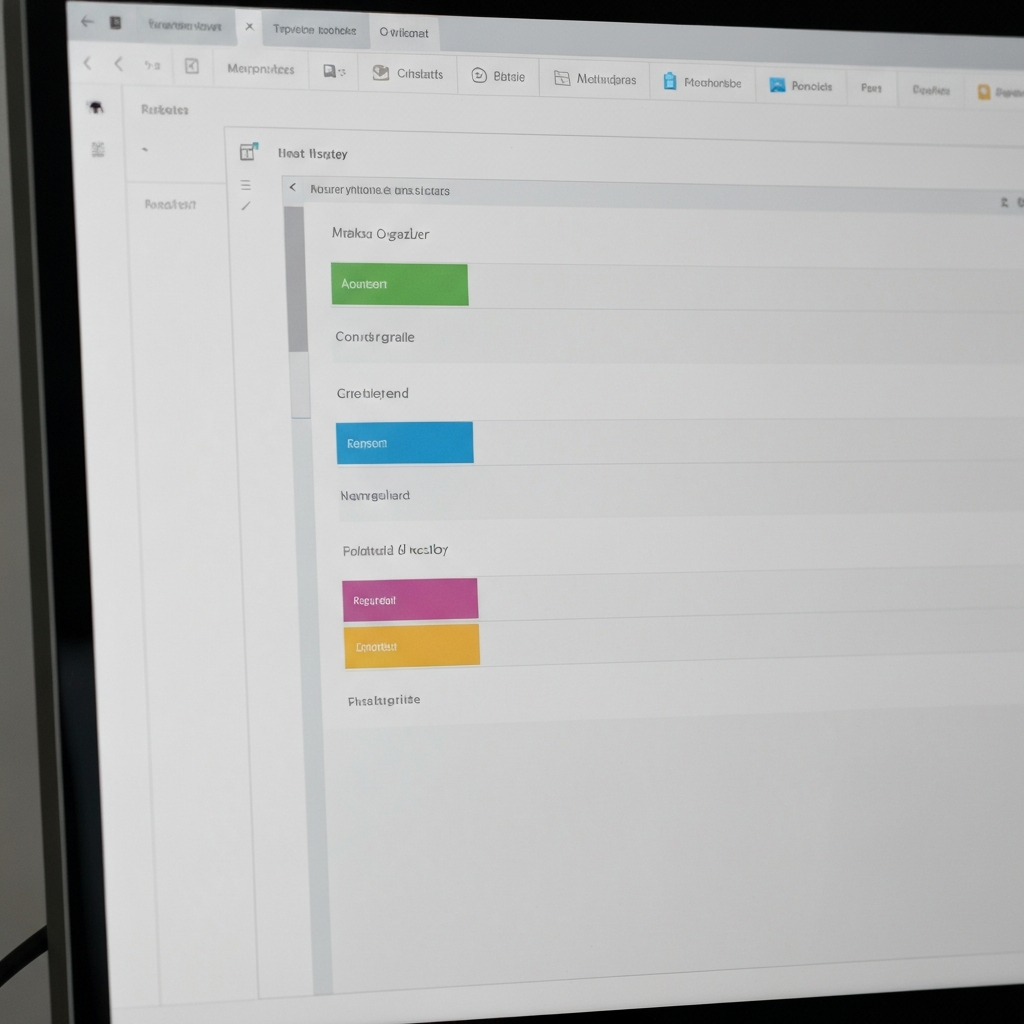
A disorganized file system is a productivity killer. Spending countless minutes searching for a specific document is frustrating and time-consuming. Start by creating a logical folder structure that reflects your workflow. Consider using a hierarchical system, with broad categories broken down into more specific subcategories. For example, "Projects" could have subfolders for each individual project, containing all related documents, images, and other files. Name your files clearly and consistently to make them easily searchable. Regularly review your files and delete anything that's no longer needed.
Step 3: Declutter Your Desktop and Downloads Folder
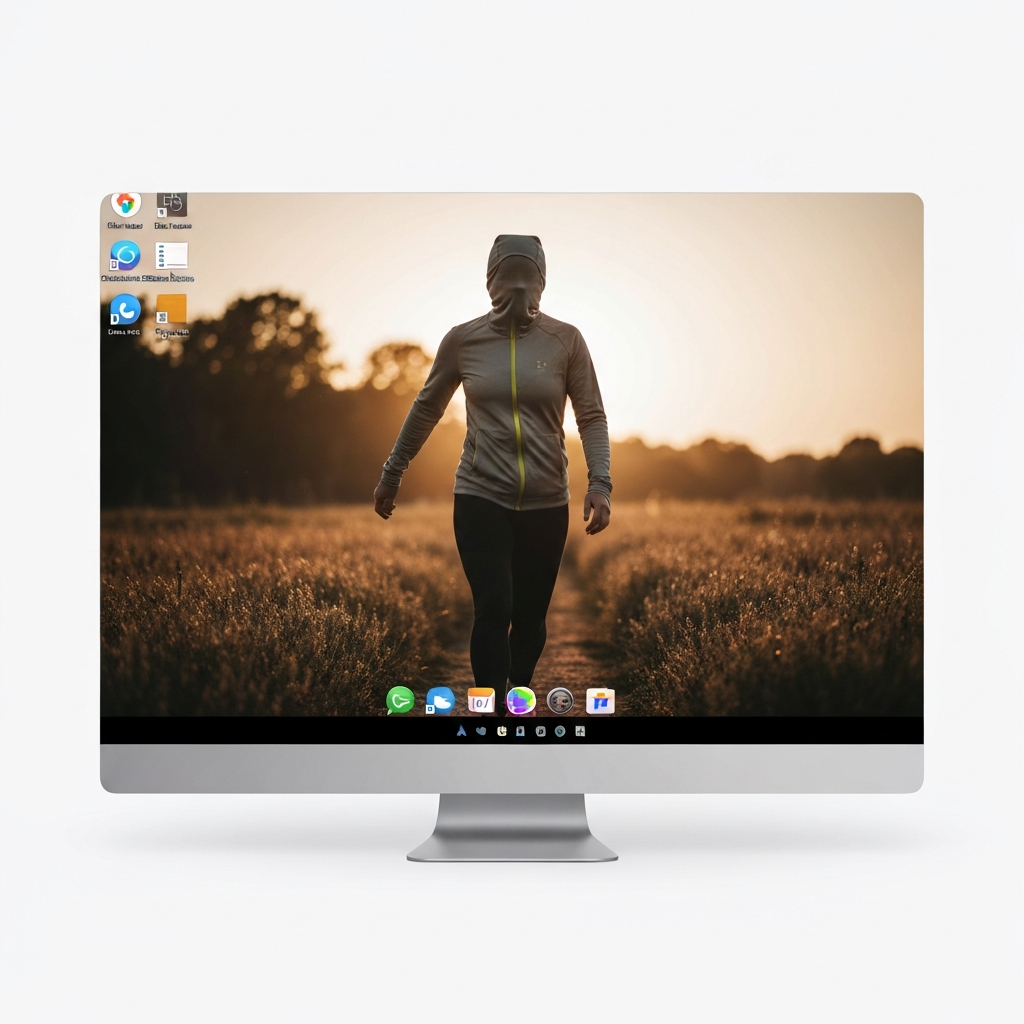
The desktop and downloads folder often become dumping grounds for files, creating visual clutter and slowing down your computer. Regularly clear your desktop, moving files to their appropriate folders or deleting them if they're no longer needed. The downloads folder should be treated similarly – immediately sort downloaded files into their respective locations. Emptying the recycle bin/trash regularly is also crucial; deleted files still take up space. A clean desktop promotes a clear mind.
Step 4: Streamline Your Cloud Storage
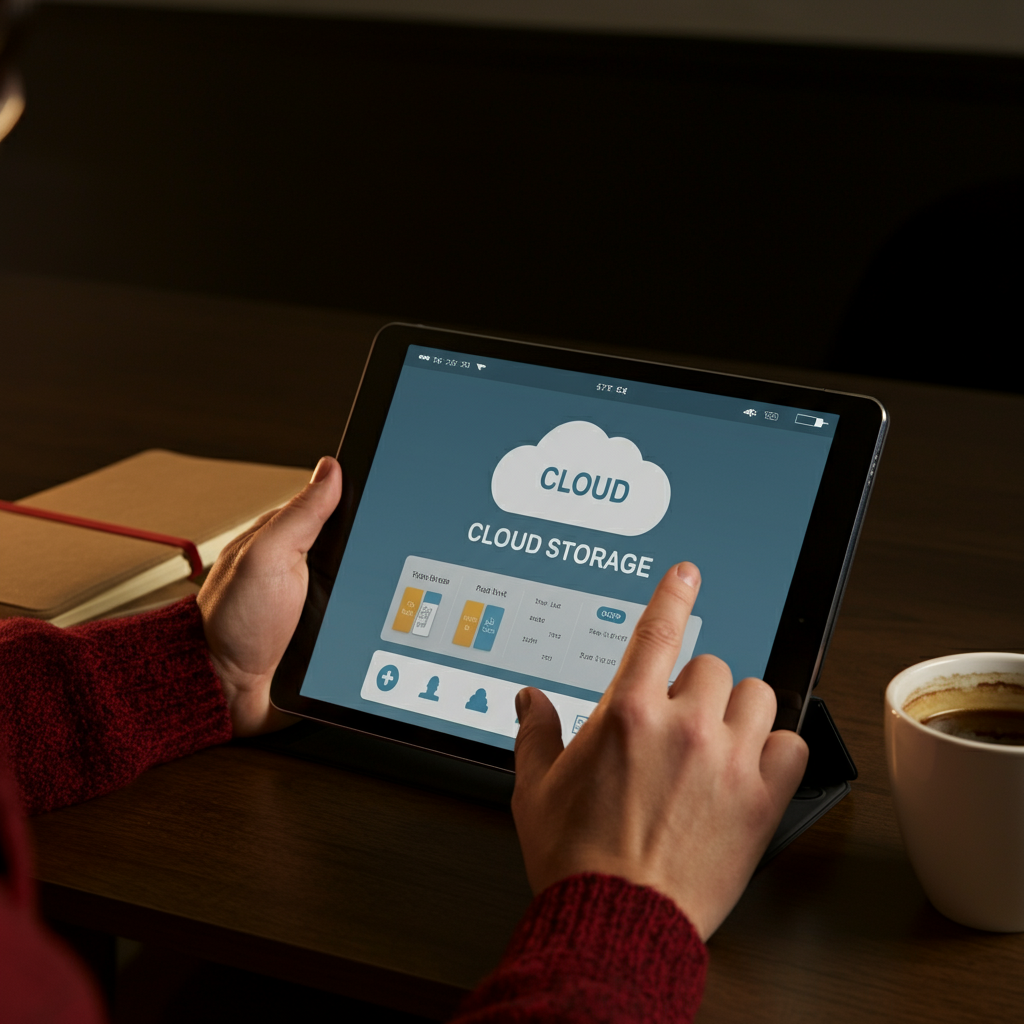
Cloud storage services like Google Drive, Dropbox, and OneDrive are invaluable for backing up files and accessing them from anywhere. However, they can quickly become cluttered with duplicate files, outdated versions, and unnecessary documents. Take the time to organize your cloud storage, applying the same principles you use for your local files. Leverage the search functionality of your cloud storage provider to quickly identify and delete duplicate files. Consider using shared folders effectively for collaborative projects to avoid multiple versions of the same document.
Step 5: Optimize Your Web Browser
Web browsers can become cluttered with excessive bookmarks, extensions, and cached data. Regularly review your bookmarks and delete any that are no longer relevant. Uninstall any browser extensions that you don't use or need. Clear your browser's cache and cookies to improve performance and free up storage space. Too many extensions can slow down your browser significantly. Consider using a bookmark manager to organize your bookmarks into folders and make them easily searchable.

Step 6: Manage Your Social Media Presence
Social media can be a significant source of digital distraction. Limit the amount of time you spend on social media by setting specific time limits and sticking to them. Unfollow accounts that don't add value to your life. Consider using a social media management tool to schedule posts and track your usage. Regularly review your privacy settings to ensure that your personal information is protected. Delete old accounts that you no longer use.

Step 7: Review and Update Software
Keeping your software up to date is essential for security and performance. Outdated software can be vulnerable to security threats and may not run as efficiently as the latest versions. Enable automatic updates whenever possible to ensure that your software is always up to date. Back up your data before updating any software, just in case something goes wrong. Uninstall any software that you no longer use.
Tools or Materials Required
- A dedicated block of time for decluttering.
- A file naming convention guide.
- Cloud storage accounts (Google Drive, Dropbox, etc.).
- A password manager.
- A note-taking app for tracking progress.
Common Mistakes to Avoid
- Trying to declutter everything at once – break it down into smaller, manageable tasks.
- Failing to create a sustainable system – the goal is not just to declutter, but to stay organized.
- Neglecting to back up your data before making significant changes.
- Keeping files "just in case" – be ruthless about deleting anything that's not truly needed.
FAQ Section
Q: How often should I declutter my digital life?
A: Aim for a major decluttering session every few months, and smaller maintenance tasks on a weekly or daily basis.
Q: What if I'm afraid of deleting something important?
A: Create a temporary "archive" folder for files you're unsure about. Review this folder after a month or two and delete anything you haven't needed.
Q: How can I stay motivated to declutter?
A: Set realistic goals, reward yourself for completing tasks, and focus on the benefits of a more organized digital life.
Pro Tips
- Utilize keyboard shortcuts to speed up your workflow.
- Create templates for frequently used documents and emails.
- Automate repetitive tasks using tools like IFTTT or Zapier.
- Regularly back up your data to protect against data loss.
- Consider using a password manager to securely store your passwords.
In conclusion, decluttering your digital life is an ongoing process that requires commitment and effort. By following the steps outlined in this guide, you can create a more organized and efficient digital environment, leading to increased productivity, reduced stress, and a greater sense of control. Remember that the goal is not perfection, but progress. Embrace the journey and enjoy the benefits of a decluttered digital life.