In today's interconnected world, our digital lives often become sprawling, unorganized collections of files, apps, and accounts. This digital clutter can lead to stress, reduced productivity, and even security vulnerabilities. Taking the time to declutter your digital space is an investment in your mental well-being and overall efficiency.
This guide provides a step-by-step approach to decluttering your digital life, offering practical tips and advice to help you streamline your online presence and regain control of your digital world. We'll cover everything from managing your email inbox to organizing your files and securing your online accounts.
Whether you're feeling overwhelmed by the sheer volume of data you've accumulated or simply want to create a more organized and efficient digital environment, this guide will provide you with the tools and knowledge you need to succeed. Let's embark on this journey of digital decluttering together!
Step 1: Assess Your Current Digital State
Identify Areas of Clutter
Before you start deleting and organizing, it's crucial to understand the scope of the problem. Take a moment to inventory your digital landscape. Consider your email accounts, cloud storage services, social media profiles, computer files, and mobile apps. What areas feel the most disorganized or overwhelming? Are there specific file types or accounts that consistently cause frustration? Identifying these pain points will help you prioritize your decluttering efforts and focus on the areas that need the most attention.

Step 2: Conquer Your Email Inbox
Implement an Inbox Zero Strategy
Email inboxes can quickly become overflowing repositories of unread messages, spam, and outdated notifications. Implementing an "Inbox Zero" strategy can significantly reduce email-related stress and improve productivity. The basic principle is to process each email immediately: delete, archive, delegate, or respond. Create folders or labels to categorize important emails and set up filters to automatically sort incoming messages. Unsubscribe from newsletters and promotional emails you no longer find valuable. Aim to clear your inbox at least once a day to maintain a sense of control.

Step 3: Organize Your Files and Folders
Establish a Consistent Filing System
A disorganized file system can make it difficult to find important documents and waste valuable time. Establish a consistent and logical filing system for your computer and cloud storage services. Create a hierarchical folder structure that reflects your work or personal projects. Use descriptive file names that clearly indicate the content of each document. Regularly review your files and delete duplicates, outdated versions, and unnecessary documents. Consider using cloud storage services for backing up important files and accessing them from multiple devices.

Step 4: Manage Your Social Media Presence
Review and Prune Your Accounts
Social media can be a valuable tool for communication and connection, but it can also contribute to digital clutter and distractions. Review your social media accounts and consider deleting or deactivating accounts you no longer use or find valuable. Unfollow accounts that are negative, irrelevant, or distracting. Adjust your notification settings to minimize interruptions and focus on the platforms that are most important to you. Periodically review your privacy settings and ensure that your personal information is protected.

Step 5: Declutter Your Mobile Apps
Uninstall Unused Apps
Mobile devices are often filled with apps that are rarely used, taking up valuable storage space and cluttering the home screen. Take some time to review your installed apps and uninstall any that you no longer need or use. Be honest with yourself about which apps you truly use and which are simply taking up space. Consider organizing your remaining apps into folders to keep your home screen clean and organized. Disable unnecessary notifications to reduce distractions and improve battery life.
Step 6: Secure Your Online Accounts
Update Passwords and Enable Two-Factor Authentication
Security is an essential aspect of digital decluttering. Outdated or weak passwords can leave your online accounts vulnerable to hackers. Update your passwords regularly, using strong and unique passwords for each account. Enable two-factor authentication (2FA) whenever possible to add an extra layer of security. Use a password manager to securely store and manage your passwords. Consider using a dedicated email address for online accounts to help protect your primary email address from spam and phishing attempts.

Step 7: Backup Important Data
Regularly Backup Your Files
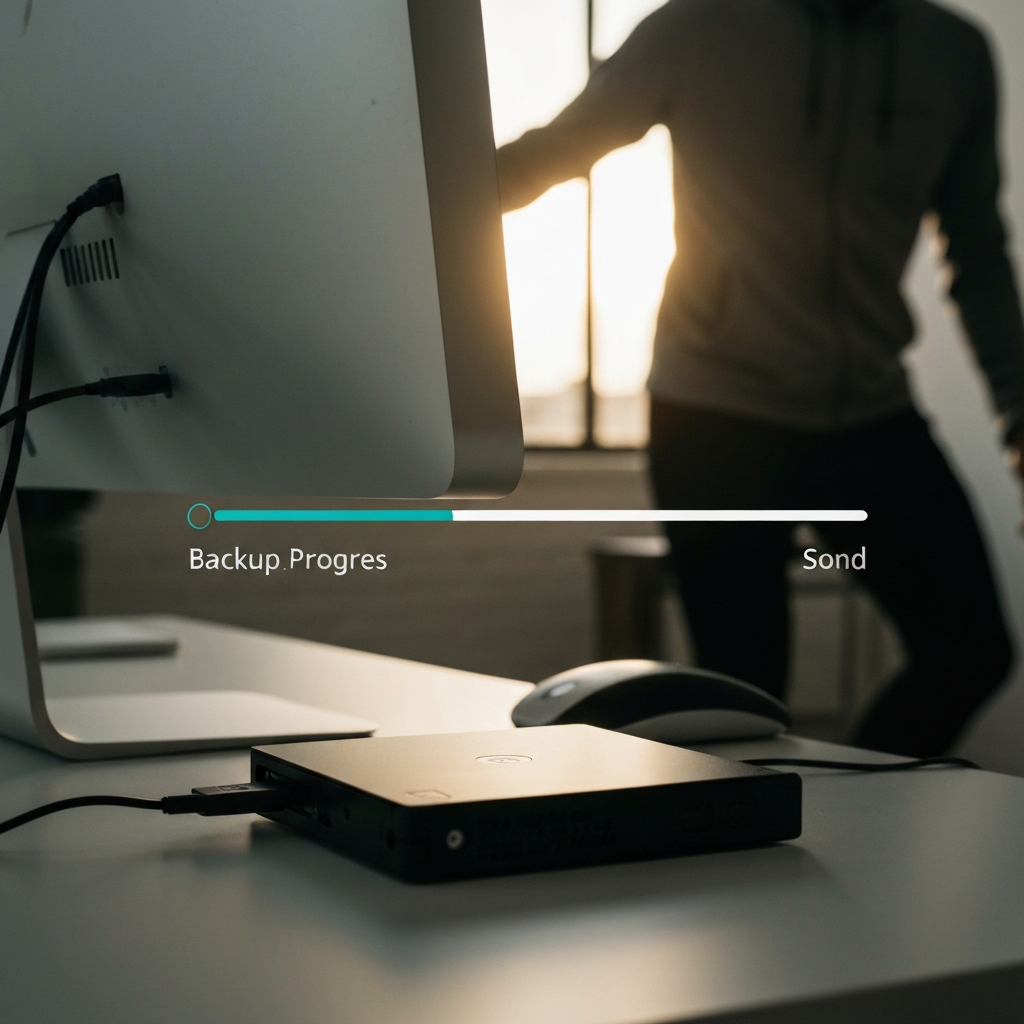
Data loss can be devastating. Make sure you have a reliable backup system in place to protect your important files. Consider using a combination of local and cloud-based backup solutions. Schedule regular backups to ensure that your files are always up-to-date. Test your backup system periodically to verify that it is working properly. In the event of a data loss incident, having a recent backup can save you time, money, and stress.
Common Mistakes to Avoid
One common mistake is trying to declutter everything at once. This can be overwhelming and lead to burnout. Instead, focus on one area at a time and break the task into smaller, manageable steps. Another mistake is being afraid to delete files or unsubscribe from emails. Remember that you can always recover deleted files from the recycle bin, and you can always resubscribe to emails if you change your mind. Finally, don't forget to maintain your decluttered digital life on an ongoing basis. Set aside some time each week or month to review your files, apps, and accounts and make sure everything is still organized and up-to-date.
Conclusion
Decluttering your digital life is an ongoing process, not a one-time event. By following these steps and making a commitment to maintaining a clean and organized digital environment, you can reduce stress, improve productivity, and enhance your overall well-being. Remember to be patient with yourself and celebrate your progress along the way. A decluttered digital life is a more productive and secure digital life!