Geometric Dimensioning and Tolerancing (GD&T) is a powerful language used in engineering and manufacturing to precisely define the allowable variation in the geometry of parts. It's more than just specifying dimensions; it's about controlling the function of a part by ensuring it meets specific form, fit, and function requirements. Without GD&T, manufacturing can become a guessing game, leading to increased scrap rates, rework, and ultimately, higher costs. Understanding GD&T symbols is crucial for anyone involved in product design, manufacturing, or quality control.
GD&T symbols provide a standardized way to communicate design intent, ensuring that everyone involved understands the critical features of a part and the permissible deviations. This "universal language" minimizes ambiguity and ensures that parts are manufactured to the required specifications. By adopting GD&T, companies can streamline their processes, improve communication, and achieve greater precision in their manufacturing operations.
This guide delves into the most common GD&T symbols, breaking down their meaning, application, and importance in modern manufacturing. We'll explore the five major categories of tolerances and learn how to interpret feature control frames, the heart of GD&T communication.
Plus, learn the Unicode shortcut to type each symbol. Geometric dimensioning and tolerancing (GD&T) is a set of specialized symbols used by part designers and machinists. These symbols create a universal language that makes it easy to understand the specifications of a part, including how much variance is allowed in the size and shape. We’re taking a deeper dive into GD&T symbols, including what they are and the five main tolerance categories—so let’s get started.
1. Understanding the Basics of GD&T
Before diving into the symbols themselves, it's essential to grasp the core principles of GD&T. GD&T is a system that specifies manufacturing instructions, which are added to technical or engineering drawings. Its primary goal is to ensure parts are precisely engineered by removing any guesswork from the manufacturing process. This leads to better product quality and reduced production costs. GD&T is more than just adding tolerances; it's about controlling the function of a part and ensuring it meets specific requirements for form, fit, and function.

2. Exploring Form Tolerance Symbols
Form tolerances control the shape of individual features, irrespective of their relationship to other features. They define the acceptable variation in the shape of a feature. Common form tolerances include straightness, flatness, circularity, and cylindricity. These tolerances ensure that individual features meet specific shape requirements, independent of their location or orientation.

2.1. Straightness (▬)
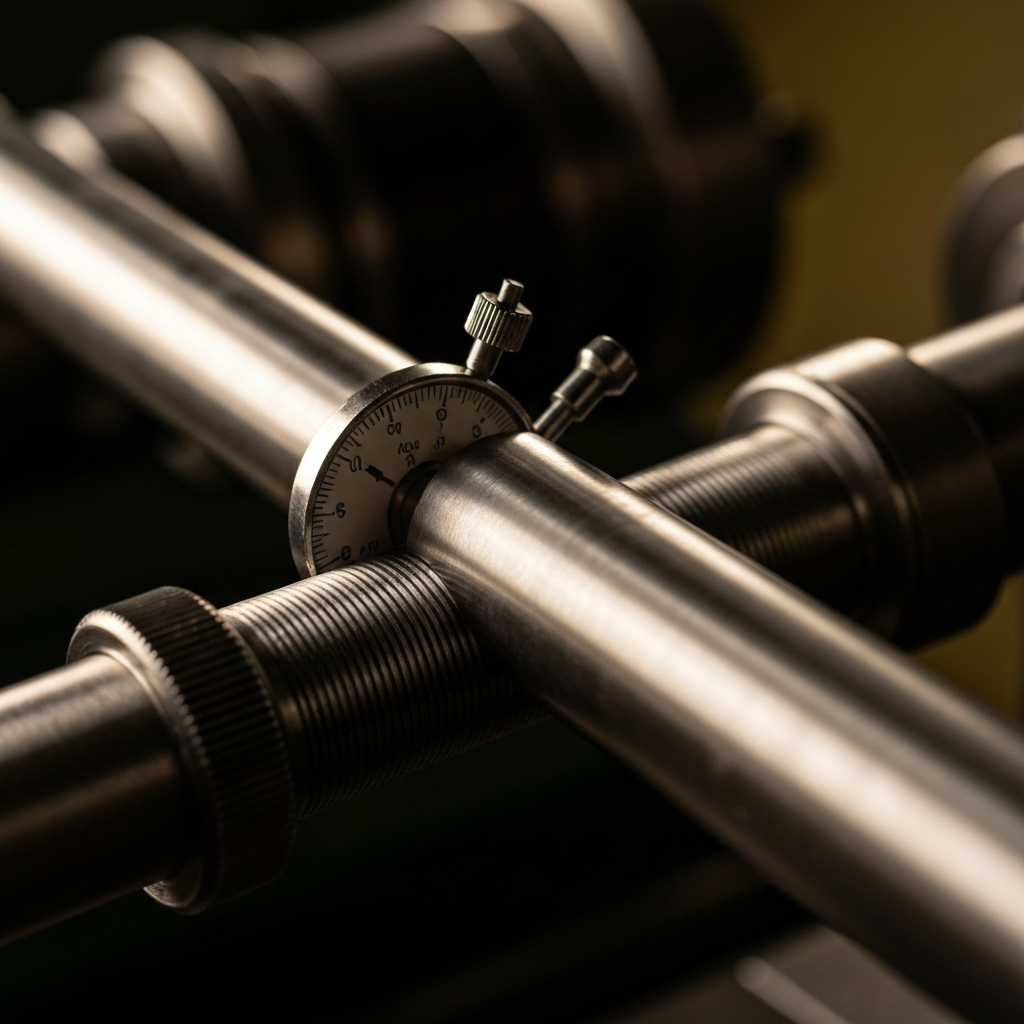
Straightness controls how much the straightness of a feature can vary along its axis or center compared to its "perfect form" (or theoretical ideal). The tolerance zone (the range in which variation is allowed) is defined by two parallel lines a set distance apart. It's crucial to understand that straightness applies to a line element, not the entire surface.
- Symbol description: Thick, straight line or narrow rectangle
- Commonly used for: Straight items like shafts and pins
- Unicode: 25AC
2.2. Flatness (▱)
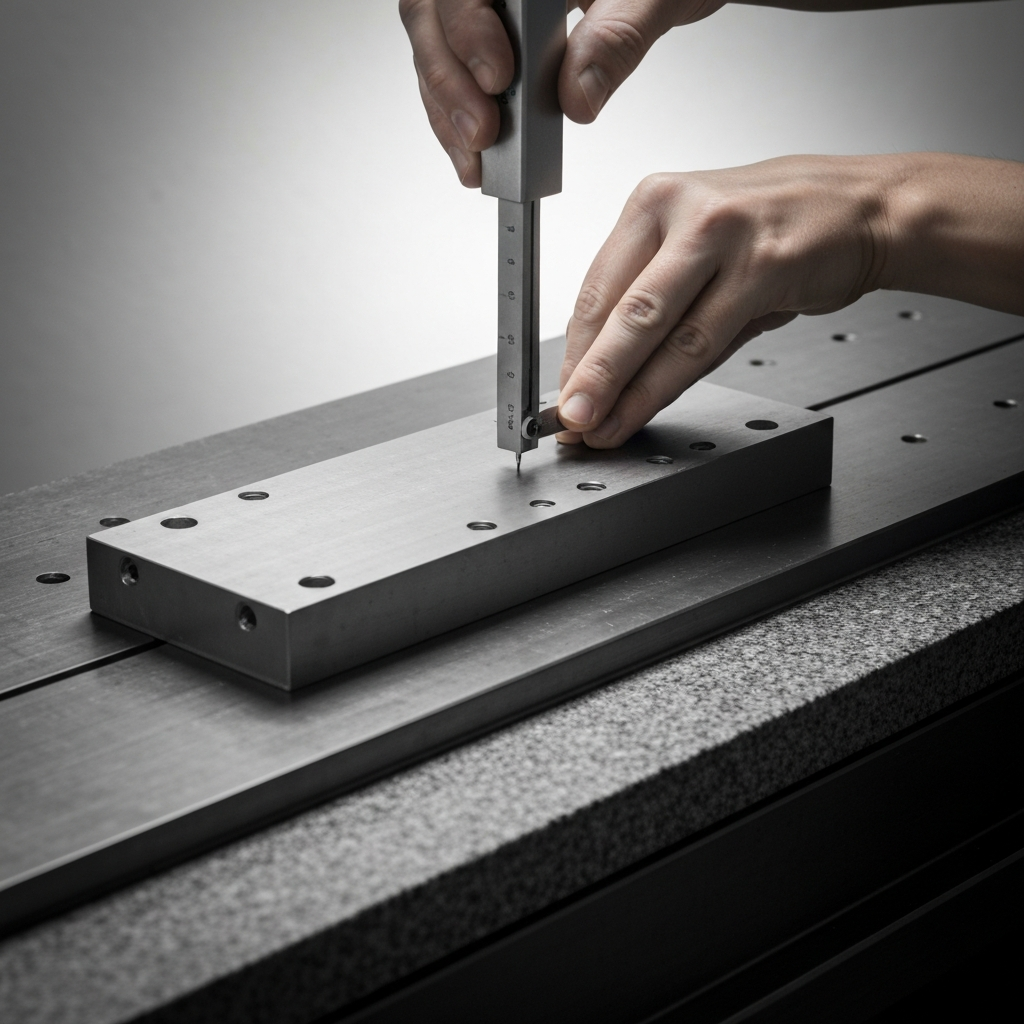
The flatness of a feature refers to how much deviation is allowed between the highest and lowest points on a surface. The tolerance zone for flatness is also defined by two parallel lines a pre-determined distance apart. Ensuring flatness is vital for joining surfaces where a tight seal is required.
- Symbol description: Parallelogram
- Commonly used for: Joining surfaces
- Unicode: 25B1
2.3. Circularity (◯)
Imagine taking a cross-section of a round object, then comparing it to a true circle. The circularity tolerance, or roundness, specifies how much the shape can deviate from that perfect circle. The tolerance zone is defined by the space between two concentric circles. Circularity applies to a single circular cross-section, not the entire cylindrical surface.
- Symbol description: Open circle
- Commonly used for: Bores; bearings
- Unicode: 25EF

2.4. Cylindricity (⌭)
The cylindricity tolerance defines how much a feature can deviate from a true cylinder shape. It’s similar to circularity, but it applies to both the axis and the round surface. The tolerance zone is defined by two concentric cylinders. Cylindricity encompasses both circularity and straightness, making it a more comprehensive control for cylindrical features.
- Symbol description: Circle bounded by two parallel, diagonal lines
- Commonly used for: Precision guides; sleeves
- Unicode: 232D

3. Delving into Profile Tolerance Symbols
Profile tolerances control the shape and size of features, specifying a boundary in which the feature’s surface must fall. This category includes profile of a line and profile of a surface. Understanding these tolerances is crucial for ensuring the correct form of complex shapes.
3.1. Profile of a Line (⌒)
The profile of a line (also called the line profile) of a feature is a two-dimensional tolerance zone. It determines the feature’s profile if you were to take a cross-section at a specific point. It controls the form of a line element along a defined path.
- Symbol description: A curved line, like an open semi-circle
- Commonly used for: Cams; blades
- Unicode: 2312

3.2. Profile of a Surface (⌓)
The profile of a surface (or surface profile) of a feature is a 3D tolerance zone. It demonstrates where the surface of a feature should be—so in essence, it controls the size and shape of the form. This tolerance can be applied to either flat or curved surfaces. It is a powerful tool for controlling complex geometries.
- Symbol description: A closed half-circle
- Commonly used for: Castings
- Unicode: 2313
4. Exploring Orientation Tolerance Symbols
Orientation tolerances control the angular relationship between features. This category includes angularity, perpendicularity, and parallelism. Understanding these tolerances is vital for ensuring that features are correctly aligned and oriented with respect to each other.
4.1. Angularity (∠)
The angularity refers to the angle of a surface in relation to the datum feature (a reference point on the feature that helps determine orientation). This is used when a feature needs to sit at an angle other than 90°. The tolerance zone for angularity is defined by two parallel planes that intersect the datum feature at the required angle.
- Symbol description: Two lines that meet at a 45° angle
- Commonly used for: Slopes & tapers
- Unicode: 2220
4.2. Perpendicularity (⟂)
The perpendicularity of a feature describes the tolerance of variation allowed between a surface that is meant to sit at a 90° angle to the datum feature or another surface. The tolerance zone is defined by two parallel planes that run perpendicular to the datum feature.
- Symbol description: Two perpendicular lines
- Commonly used for: Mounting faces
- Unicode: 27C2
4.3. Parallelism (∥)
The parallelism of a feature is similar to straightness, but it determines how much a parallel surface can deviate from a datum feature or another parallel plane. The tolerance zone is determined by two planes that are parallel to the datum feature.
- Symbol description: Two parallel lines
- Commonly used for: Bearing rails
- Unicode: 2225
5. Decoding Location Tolerance Symbols
Location tolerances control the position of features relative to each other or to a datum. This category includes true position, concentricity, and symmetry. Understanding these tolerances is essential for ensuring that parts fit together correctly in an assembly.
5.1. True Position (⌖)
The true position (or simply position) tolerance defines how much the location of a feature can vary relative to the rest of the form. In other words, it specifies exactly where a feature (like a hole) must be located. The tolerance zone is typically a circle or cylinder around the feature.
- Symbol description: Bullseye; a circle intersected by a vertical and horizontal line
- Commonly used for: Assemblies; bolt holes
- Unicode: 2316
5.2. Concentricity (◎)
The concentricity of a feature defines the variation in two cylinders that are meant to have the same central axis. It’s used to ensure two round features (like a bolt and a hole) are aligned. The central axis is used as the datum feature.
- Symbol description: Two concentric circles
- Commonly used for: Gears; rotating parts
- Unicode: 25CE
5.3. Symmetry (⌯)
The symmetrical tolerance of a feature refers to the variance allowed in two planes in relation to a central datum feature. This is useful when two parts need to be a mirror image of each other.
- Symbol description: Three parallel, horizontal lines, with shorter lines on the top and bottom and a longer line in the middle
- Commonly used for: Supports; brackets
- Unicode: 232F
6. Understanding Runout Tolerance Symbols
Runout tolerances control the variation of a surface relative to an axis of rotation. This category includes total runout and circular runout. These tolerances are critical for rotating parts, ensuring smooth and consistent operation.
6.1. Total Runout (⌰)
The total runout (sometimes just called runout) of a feature determines how much the surface of a rotating part can vary around the central axis (which is used as the datum feature for this tolerance). The tolerance zone is made up of two concentric cylinders.
- Symbol description: Two parallel, diagonal arrows connected by a straight line at the bottom
- Commonly used for: Crankshafts; rotors
- Unicode: 2330
6.2. Circular Runout (↗)
The circular runout is similar to the total runout, but two-dimensional. It determines how much the circumference of a cylindrical part can vary at any point along its length, based on the distance from the surface to the central axis when viewed as a cross-section.
- Symbol description: A single diagonal arrow
- Unicode: 2197
7. Reading a Feature Control Frame (FCF)
A feature control frame (FCF) is the rectangular box that contains all the GD&T information for a specific feature. It includes the GD&T symbol, tolerance value, modifiers, and datum references (if needed). Understanding how to read an FCF is crucial for interpreting GD&T drawings.
8. Why is GD&T Important?
GD&T is vital for precision manufacturing, particularly for complex parts. It provides a clear and unambiguous language for communicating design intent, ensuring that parts meet the required specifications and function correctly in an assembly. This leads to improved product quality, reduced costs, and enhanced communication between designers and manufacturers. Without GD&T, manufacturing becomes a guessing game, leading to increased scrap rates and rework.
Tools or Materials Required
- Technical Drawings with GD&T Annotations
- GD&T Reference Manuals (ASME Y14.5, ISO 1101)
- Calipers, Micrometers, Height Gauges
- Coordinate Measuring Machines (CMMs)
- Optical Comparators
- Surface Plates
Common Mistakes to Avoid
- Misinterpreting the meaning of GD&T symbols
- Applying tolerances incorrectly
- Failing to understand datum references
- Not considering the functional requirements of the part
Pro Tips
- Always refer to the latest GD&T standards (ASME Y14.5, ISO 1101).
- Clearly define datum features to ensure consistent measurements.
- Use GD&T software to simulate tolerance stack-ups.
- Collaborate with manufacturing engineers during the design phase.
FAQ Section
- What is the difference between GD&T and traditional tolerancing?
- GD&T controls the form, fit, and function of a part, while traditional tolerancing only controls the size and location.
- What are datum features?
- Datum features are reference points or surfaces used to establish a coordinate system for measuring other features.
- What is a feature control frame?
- A feature control frame is a rectangular box that contains all the GD&T information for a specific feature.
Conclusion
Mastering GD&T symbols is essential for anyone involved in product design, manufacturing, or quality control. By understanding the meaning and application of these symbols, you can effectively communicate design intent, ensure that parts meet the required specifications, and improve overall product quality. Remember to consult the latest GD&T standards and collaborate with experienced professionals to maximize the benefits of this powerful tool.