Working at Walmart, like any job, sometimes requires you to prioritize your health. Knowing how to properly call in sick is crucial for maintaining good standing with the company while taking care of yourself or your family. This guide provides a detailed walkthrough of the process, covering everything from reporting your absence to understanding Walmart's attendance policies and navigating potential leave options.
Calling in sick might seem straightforward, but understanding the nuances of Walmart's policies can save you from unwanted disciplinary actions. This guide will equip you with the knowledge to report your absence effectively, utilize your Protected Paid Time Off (PPTO) wisely, and navigate situations where a longer leave of absence may be necessary. Familiarizing yourself with these procedures ensures you protect your job while prioritizing your well-being.
We'll break down the process into manageable steps, offering practical advice and highlighting common pitfalls to avoid. We will also explain the attendance point system and potential repercussions of excessive absences. Remember, open communication with your manager is always a good practice when health concerns arise.
Step 1: Choose Your Reporting Method
Walmart offers two primary methods for reporting an absence: calling the dedicated absence line or using the online portal (or the Me@Walmart app). Choose the method that is most convenient for you. It is generally advisable to familiarize yourself with both methods to have a backup in case one is unavailable. Regardless of the method you choose, ensure you have your Walmart Identification Number (WIN), date of birth, and store number readily available.

Step 2: Calling the Absence Line
Dial the Absence Reporting Number
Call 1-800-775-5944. Follow the automated prompts carefully. You will be asked to enter your WIN, date of birth, and store number using the keypad. Input the information accurately to avoid delays or complications. The system will then provide you with a confirmation number; write this number down immediately, as it serves as proof that you reported your absence.

Step 3: Reporting Online
Access the WalmartOne Portal or Me@Walmart App
Go to one.walmart.com using a computer or mobile device, or open the Me@Walmart app. Log in using your WIN and password. If you've forgotten your password, use the password recovery options provided. Once logged in, navigate to the "Report an Absence" section. This is usually found under "My Time" or a similar heading. Follow the on-screen prompts to select the date and shift you will be missing and provide a brief reason for your absence. Be concise and professional in your explanation.

Step 4: Provide a Reason for Absence
Keep it Simple
When reporting your absence, whether by phone or online, you don't need to provide excessive details about your condition. Phrases like "I am not feeling well," "I have a fever," or "I need to care for a sick family member" are generally sufficient. Walmart doesn't require a doctor's note for single-day absences. However, if you anticipate needing an extended leave, medical documentation will be necessary.Avoid providing extremely personal or graphic details about your illness.

Step 5: Obtain and Retain Your Confirmation Number
Crucial Documentation
Regardless of whether you called in or reported online, make sure you receive and record your confirmation number. This number serves as proof that you properly reported your absence. Store it in a safe place, such as in your phone’s notes app or in a physical notebook. In the unlikely event of a discrepancy or dispute regarding your absence, this confirmation number will be essential.

Step 6: Notify Your Manager (Optional but Recommended)
A Professional Courtesy
While not strictly required, it is considered good practice to inform your direct manager about your absence, especially if you are calling in close to your shift's start time. This allows them to make necessary staffing adjustments. You can call the store and ask to speak to your manager directly or send them a brief text message if you have their contact information. Simply state that you have reported your absence and provide your confirmation number if they ask for it. Keep the message brief and professional.
Step 7: Understanding PPTO and Attendance Points
Navigating Walmart's System
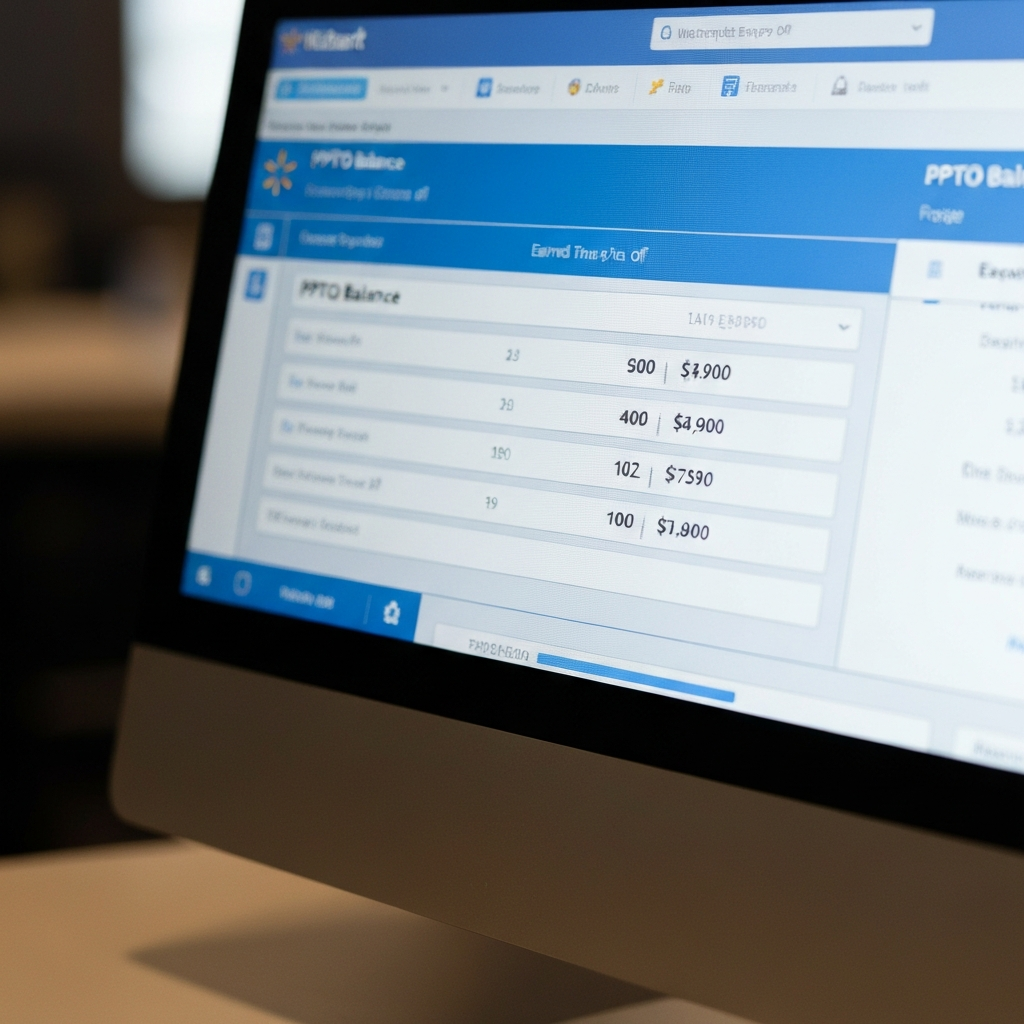
Walmart utilizes a point-based system to track employee attendance. You accrue Protected Paid Time Off (PPTO), which can be used to cover absences without penalty. New hires accrue PPTO based on hours worked and length of employment. If you use PPTO to cover your absence and report it before your shift starts, you will not receive any attendance points. However, if you call in sick without sufficient PPTO, you will accrue a point. Accumulating too many points (typically 5 or more within a six-month period) can lead to disciplinary action, including termination.
Common Mistakes to Avoid
- Failing to Report Your Absence: This results in two points, the highest penalty for attendance infractions.
- Reporting Your Absence Late: Call in at least three hours before your shift.
- Providing Excessive Details: Keep your reason for absence brief and professional.
- Not Recording Your Confirmation Number: This number is your proof of reporting your absence.
- Assuming PPTO Automatically Covers Your Absence: Ensure you have sufficient PPTO available to avoid accruing points.
Pro Tips
- Use the Me@Walmart App: It's often the fastest and most convenient way to report an absence.
- Communicate with Your Manager: Even if not required, a quick message shows professionalism.
- Track Your PPTO Balance: Be aware of how much PPTO you have available to avoid surprises.
- Plan Ahead: If you know you will need time off for a doctor's appointment, request it in advance.
FAQ Section
- Do I need a doctor's note to call in sick at Walmart?
- No, a doctor's note is not required for single-day absences. However, it may be required for extended leaves of absence.
- What happens if I run out of PPTO?
- If you call in sick without PPTO, you will accrue one attendance point.
- How many points can I accrue before being terminated?
- Typically, accruing 5 or more points within a six-month period can lead to termination.
- Can I use PPTO for appointments?
- Yes, you can use PPTO for appointments or any other reason you need to take time off.
- What if I have an emergency and can't call in before my shift?
- Contact your manager as soon as possible, or have a family member do so. They may be able to provide an accommodation depending on the situation.
Conclusion
Effectively calling in sick at Walmart involves understanding the company's procedures, utilizing available resources like the phone line or online portal, and being mindful of your PPTO balance and the attendance point system. By following the steps outlined in this guide and avoiding common mistakes, you can ensure that you prioritize your health without jeopardizing your job security. Remember, open communication with your manager and proactive management of your PPTO are key to navigating absences effectively.