Welcome to the exciting world of virtual pet parenthood! Whether you dream of caring for a cuddly canine, a majestic dragon, or even a mysterious alien, these simulators offer a unique and rewarding experience. The core principle is simple: your daily decisions directly impact your pet's health, happiness, and evolving personality. Are you ready to embark on this digital adventure?
This guide will walk you through the essential steps to becoming a successful virtual pet owner. From selecting your perfect companion to navigating the daily challenges of care and training, we'll provide you with the knowledge and strategies you need to create a thriving virtual bond. Get ready to shape your pet's destiny and experience the joy of virtual companionship!
Before diving in, remember that each simulator has its own unique mechanics and features. While the core principles remain consistent, always familiarize yourself with the specific instructions and tutorials provided within the game itself. This will ensure a smooth and enjoyable experience.
Step 1: Choosing and Naming Your Virtual Pet
The first and most exciting step is selecting your virtual companion! Most simulators offer a wide variety of creatures to choose from, each with its own unique appearance, personality traits, and needs. Consider what type of pet appeals to you most. Do you prefer a playful and energetic companion, or a more calm and low-maintenance friend? Once you've made your selection, it's time to give your pet a name. Choose a name that you like and that suits your pet's personality. This will help you form a stronger bond and make the experience more personal.

Step 2: Understanding Your Pet's Basic Needs
Like real animals, virtual pets have basic needs that must be met to ensure their well-being. These typically include feeding, hygiene, play, and rest. Each simulator will have its own indicators to track these needs, such as hunger bars, cleanliness meters, and energy levels. Pay close attention to these indicators and respond promptly when your pet needs something. Ignoring these needs can lead to unhappiness, illness, or even the virtual pet equivalent of neglect.
Step 3: Feeding Your Virtual Pet
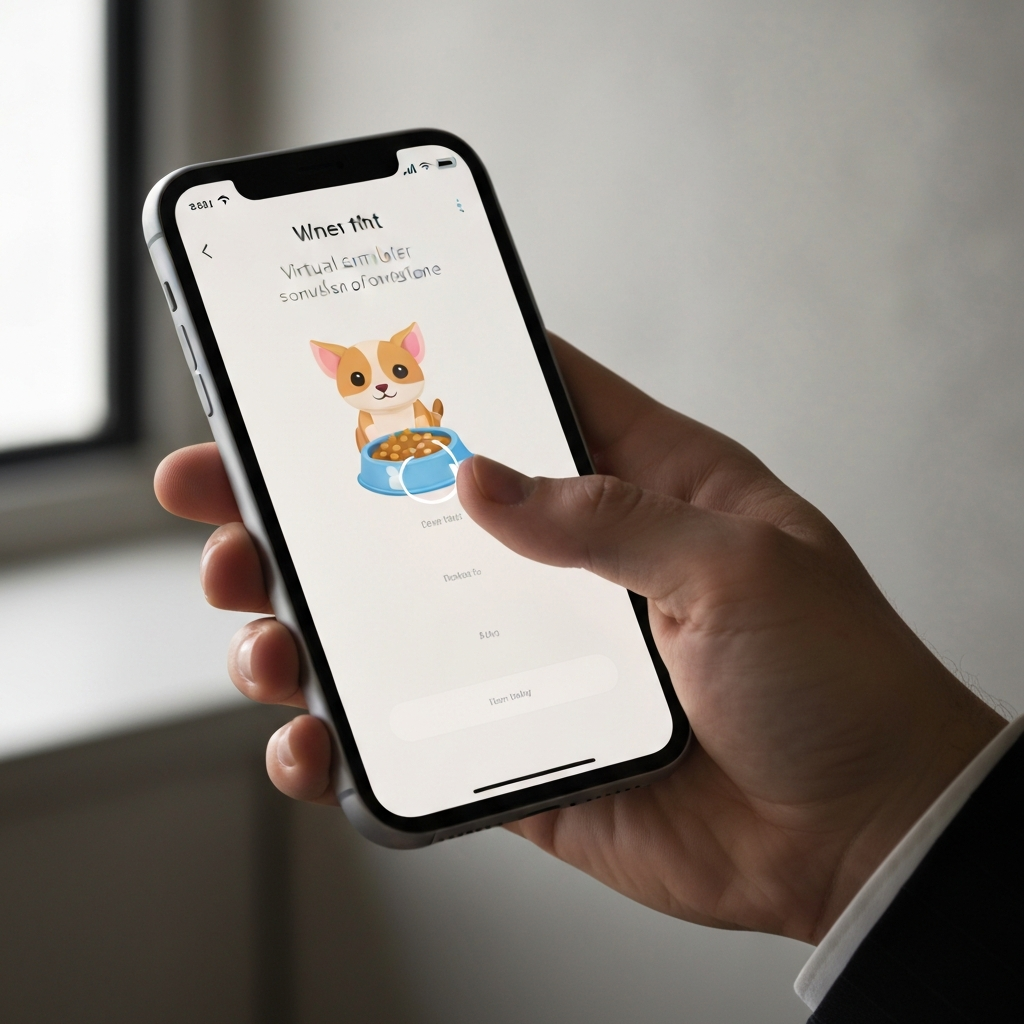
Providing your virtual pet with proper nutrition is essential for its health and growth. Each simulator will offer a variety of food options, each with its own nutritional value. Pay attention to your pet's preferences and dietary requirements. Some pets may have allergies or sensitivities to certain foods. Overfeeding can lead to obesity, while underfeeding can result in malnutrition. Strive for a balanced diet to keep your pet healthy and happy.

Step 4: Maintaining Hygiene
Keeping your virtual pet clean is crucial for preventing illness and maintaining its overall well-being. Most simulators offer bathing or grooming options to help you maintain your pet's hygiene. Regularly clean your pet to prevent the build-up of dirt and grime. Some pets may enjoy bath time, while others may require more gentle grooming methods. Pay attention to your pet's reactions and adjust your approach accordingly.
Step 5: Providing Play and Enrichment
Virtual pets, just like real ones, need mental and physical stimulation to stay happy and engaged. Most simulators offer a variety of toys, games, and activities to keep your pet entertained. Experiment with different options to find what your pet enjoys most. Regular play sessions can help to reduce boredom, prevent destructive behaviors, and strengthen your bond with your virtual companion. Some sims even let you train your pet, teaching it tricks or commands.

Step 6: Ensuring Adequate Rest
Just like humans, virtual pets need adequate rest to recharge and stay healthy. Pay attention to your pet's energy levels and provide them with a comfortable place to sleep. Avoid overexerting your pet, especially when they are tired or sick. Creating a regular sleep schedule can help to regulate your pet's energy levels and prevent exhaustion.

Common Mistakes to Avoid
- Ignoring Your Pet's Needs: Neglecting your pet's basic needs can lead to unhappiness, illness, and even the virtual pet equivalent of death.
- Overfeeding or Underfeeding: Providing too much or too little food can have negative consequences for your pet's health.
- Failing to Provide Enrichment: Boredom can lead to destructive behaviors and unhappiness.
- Ignoring Warning Signs: Pay attention to any signs of illness or distress and seek help promptly.
- Not Reading the Instructions: Each simulator has its own unique mechanics and features. Familiarize yourself with the game's instructions before you start playing.
Pro Tips
- Set reminders for feeding, cleaning, and play sessions to ensure that you don't forget about your pet's needs.
- Experiment with different toys and activities to find what your pet enjoys most.
- Join online communities and forums to share tips and experiences with other virtual pet owners.
- Take advantage of any in-game tutorials or help resources.
- Most importantly, have fun and enjoy the experience of caring for your virtual companion!
FAQ Section
- How do I know when my pet is sick?
- Most simulators will display visual or auditory cues when your pet is feeling unwell. Look for signs of lethargy, loss of appetite, or unusual behavior.
- What happens if my pet dies?
- The consequences of a virtual pet's "death" vary depending on the simulator. Some games may allow you to revive your pet, while others may require you to start over.
- Can I have more than one virtual pet?
- Some simulators allow you to own multiple pets simultaneously. Check the game's features to see if this is an option.
- Are virtual pet simulators suitable for children?
- Many virtual pet simulators are designed for children, but it's important to choose games that are age-appropriate and that promote responsible pet ownership.
In conclusion, mastering the virtual pet simulator requires dedication, attention to detail, and a genuine desire to care for your digital companion. By following the steps outlined in this guide and avoiding common mistakes, you can create a thriving virtual bond and experience the joy of virtual pet parenthood. Remember to always prioritize your pet's needs and seek help when necessary. With a little effort, you can become a successful and responsible virtual pet owner.