Navigating the world of travel bookings can sometimes be tricky. Whether you need to change a flight, address a billing issue, or simply have a question about your itinerary, knowing how to effectively reach out to Kayak's customer service is essential. Kayak, a popular online travel search engine, provides several avenues for contacting their support team. This guide will walk you through the most effective methods, ensuring you get the assistance you need quickly and efficiently.
This guide focuses on the available resources for contacting Kayak and provides step-by-step instructions for each method. We’ll cover everything from using their online support page to engaging on social media, highlighting potential pitfalls and offering expert tips to streamline the process. By understanding these different options, you can choose the approach that best suits your specific needs and circumstances.
Remember that preparation is key. Before reaching out, gather all relevant booking information, such as confirmation numbers and dates. This will help the customer service representative assist you more effectively and resolve your issue faster. Having this information readily available can significantly reduce the time it takes to find a solution.
Step 1: Utilize the Online Booking Support Page
If your inquiry pertains to modifying or adjusting a booking made through Kayak, the online booking support page is your first stop. This resource offers 24/7 support, allowing you to make changes or adjustments to your bookings with ease. Access this page directly through Kayak's official website. Look for links in the footer or under the "Help" section.

Step 2: Provide Necessary Booking Information
Once on the support page, you'll be prompted to provide information that will allow Kayak to locate your booking. This typically includes the confirmation number (usually found in your booking confirmation email), the last name associated with the booking, the credit card number used for the transaction, and the email address used during the booking process. Double-check that you're entering the correct information, as even a small typo can prevent the system from locating your reservation.

Step 3: Complete the Feedback Form on the Website
For general inquiries, complaints, or feedback, Kayak offers a dedicated feedback form on their website. This form allows you to submit your concerns or comments directly to their team. You'll need to provide your email address and select a relevant topic from the dropdown menu, such as "I have a question about my booking," "I found a price inaccuracy," or "I want to add/edit my hotel or property." Use the text box to clearly and concisely explain your issue. Be as specific as possible in your description to ensure your feedback is properly understood.

Step 4: Engage via Facebook Messenger
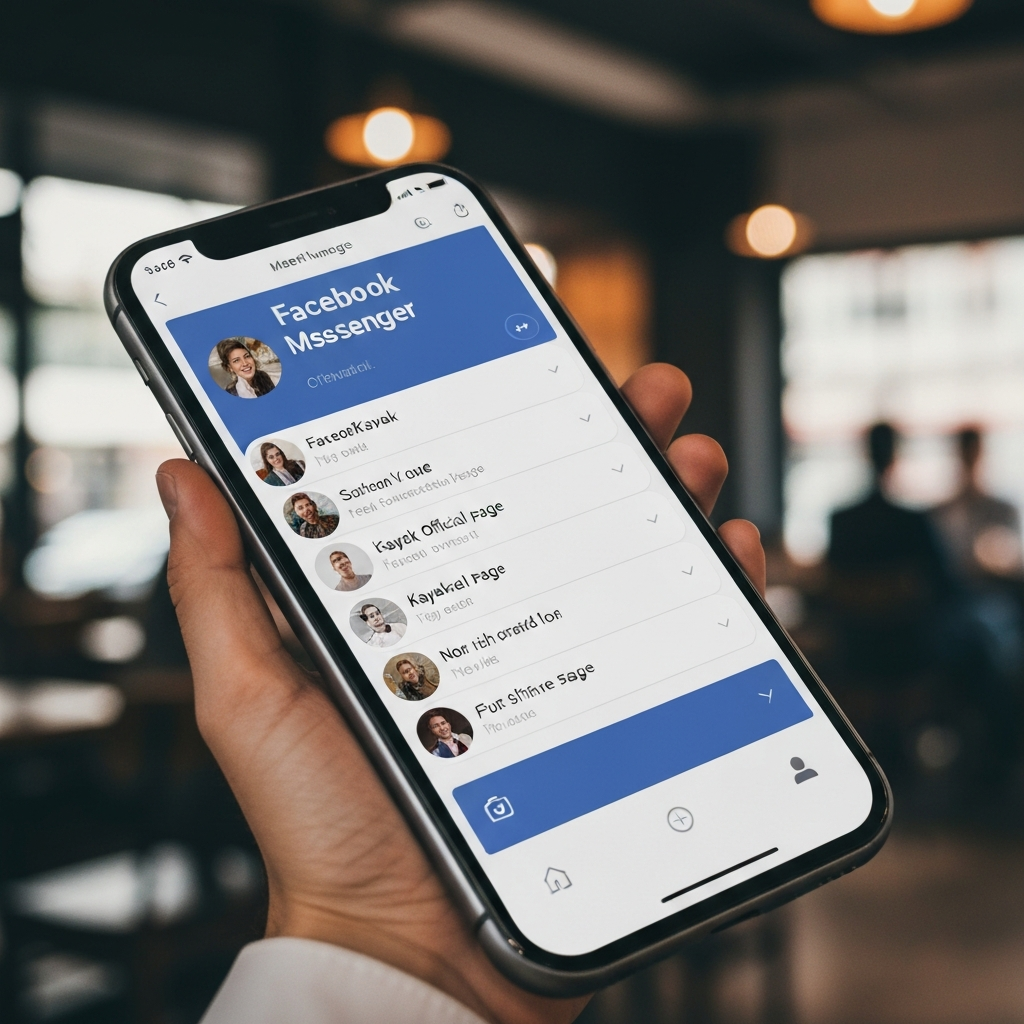
Kayak also offers customer support through Facebook Messenger. Simply open Messenger and search for "Kayak." The official Kayak page should appear. You can then send them a message outlining your issue. The advantage of this method is that it allows for real-time conversation with a customer service representative. Be patient, as response times can vary depending on the volume of inquiries. Make sure you have all your booking information handy.
Step 5: Reach Out on Twitter
Twitter can be an effective way to get a quick response from Kayak, especially for urgent matters. Tweet your comments or concerns to @KAYAK, ensuring you include the handle in your tweet so they are notified. Keep your message concise and professional. For example, you could tweet: "@KAYAK Customer Service issue with my booking, who can I speak to directly about this?" or "@KAYAK I need to reach Customer Service about my car rental. What can you do about my concern?" Remember to follow Kayak to stay updated on any responses. Avoid including sensitive information like booking confirmation numbers in public tweets; instead, request that a representative contact you privately via direct message.
Step 6: Send a Message on Instagram
Kayak maintains an active presence on Instagram, offering another avenue for contacting their customer service team. You can send them a direct message or comment on their posts. When commenting, use relevant hashtags like "#kayak" and "#customerservice" to increase visibility and potentially expedite a response. Be mindful of maintaining a polite and professional tone, even if you're frustrated. A calm and respectful approach is more likely to result in a positive outcome.
Common Mistakes to Avoid
- Failing to have your booking information readily available. This can significantly delay the resolution process.
- Using an unprofessional or aggressive tone in your communication.
- Posting sensitive booking details publicly on social media.
- Not checking the Kayak Help section before contacting customer service.
FAQ Section
Q: How long does it typically take to get a response from Kayak customer service?
A: Response times can vary depending on the method you use and the volume of inquiries they are handling. Online forms and social media may take longer than using their booking support page, especially if the issue is regarding a current or upcoming booking.
Q: Can I call Kayak customer service directly?
A: Currently, Kayak primarily offers customer service through online channels like their booking support page, feedback form, and social media. Direct phone support is not widely advertised or readily available.
Q: What should I do if I don't receive a response after contacting Kayak customer service?
A: If you haven't received a response within a reasonable timeframe (e.g., 24-48 hours), try contacting them through a different channel. You can also try re-submitting your request with a clear subject line indicating urgency.
Tools or Materials Required
- Computer or mobile device with internet access
- Booking confirmation number
- Email address used for booking
- Credit card used for booking (if applicable)
- Social media accounts (Facebook, Twitter, Instagram - optional)
Pro Tips
- Before contacting customer support, check Kayak's help section as your question may already be answered there.
- Be polite and professional when communicating with customer service representatives.
- Keep a record of all your communications with Kayak, including dates, times, and names of representatives you spoke with.
- If your issue is urgent, consider using multiple communication channels simultaneously.
Safety Considerations
- Avoid sharing sensitive personal or financial information in public forums like social media.
- Only use official Kayak websites and social media accounts for communication.
- Be wary of phishing attempts or scams that may impersonate Kayak customer service.
In conclusion, contacting Kayak customer service effectively requires understanding the available communication channels and preparing your information in advance. Whether you're using their online support page, engaging on social media, or filling out a feedback form, clarity and patience are key. By following these guidelines, you can navigate the process smoothly and efficiently resolve any issues you may encounter.