In our increasingly digital world, precious family memories can easily become scattered across devices, lost in the cloud, or simply forgotten. Creating a family memory bank is a wonderful way to preserve these moments for future generations. However, the key is to build a system that's not only comprehensive but also engaging and accessible, preventing it from becoming just another dusty box in the attic. This guide provides a step-by-step approach to building a dynamic and cherished family memory bank.
The most effective memory banks are those that are regularly updated, actively shared, and thoughtfully curated. Don't aim for perfection; aim for participation. The goal is to create a living archive that reflects the unique story of your family, complete with all its imperfections and joyful moments. From choosing the right format to establishing consistent habits, this guide will help you create a lasting legacy for your loved ones.
Let's embark on this journey of preserving and celebrating your family's history together!
Step 1: Choose Your Memory Bank Format
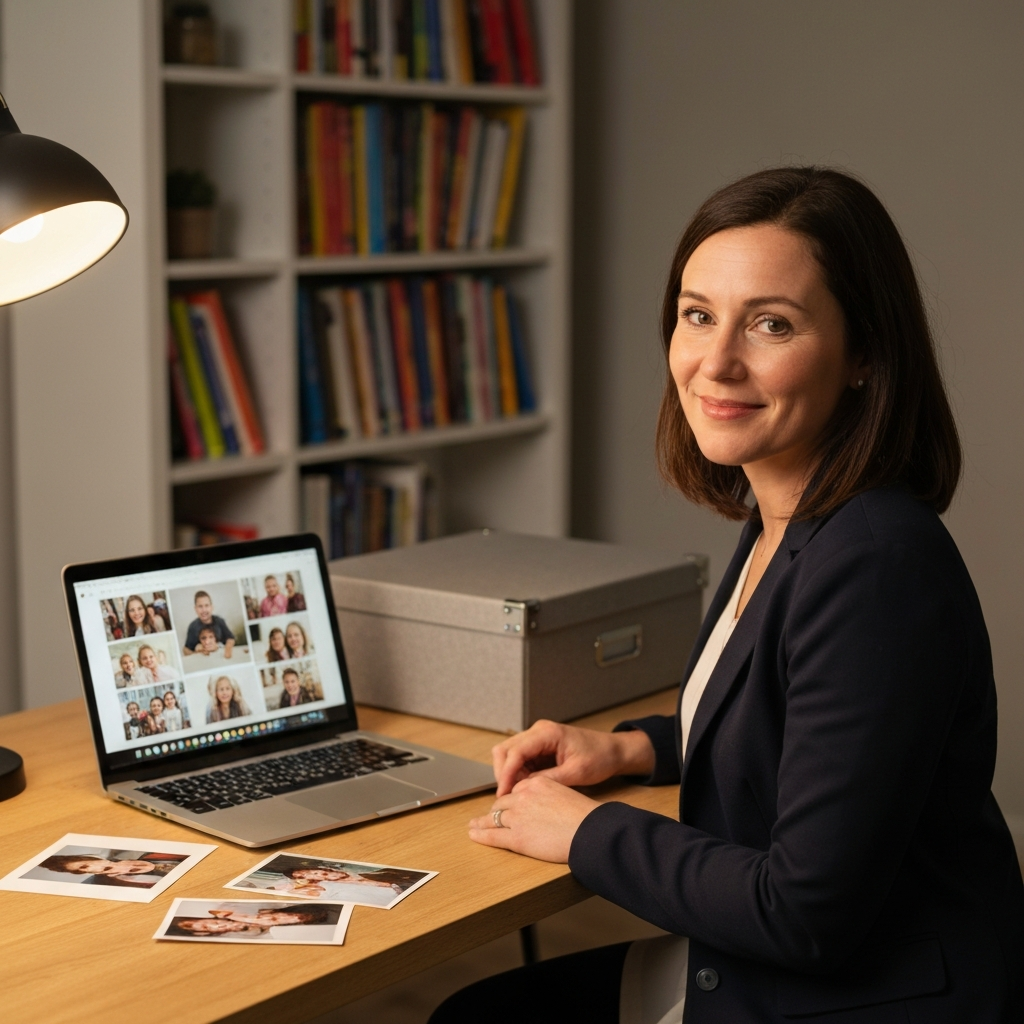
The foundation of your memory bank lies in the format you choose. While a physical scrapbook or box can be charming, consider a hybrid or entirely digital approach for increased accessibility and longevity. Digital formats are less prone to physical degradation and easier to share. Options include cloud storage services (Google Drive, Dropbox), dedicated family history websites (like Ancestry.com, though primarily for genealogy), or even a private family blog. A physical component, like a beautifully decorated storage box for keepsakes, can complement the digital archive.
Step 2: Define Memory Categories
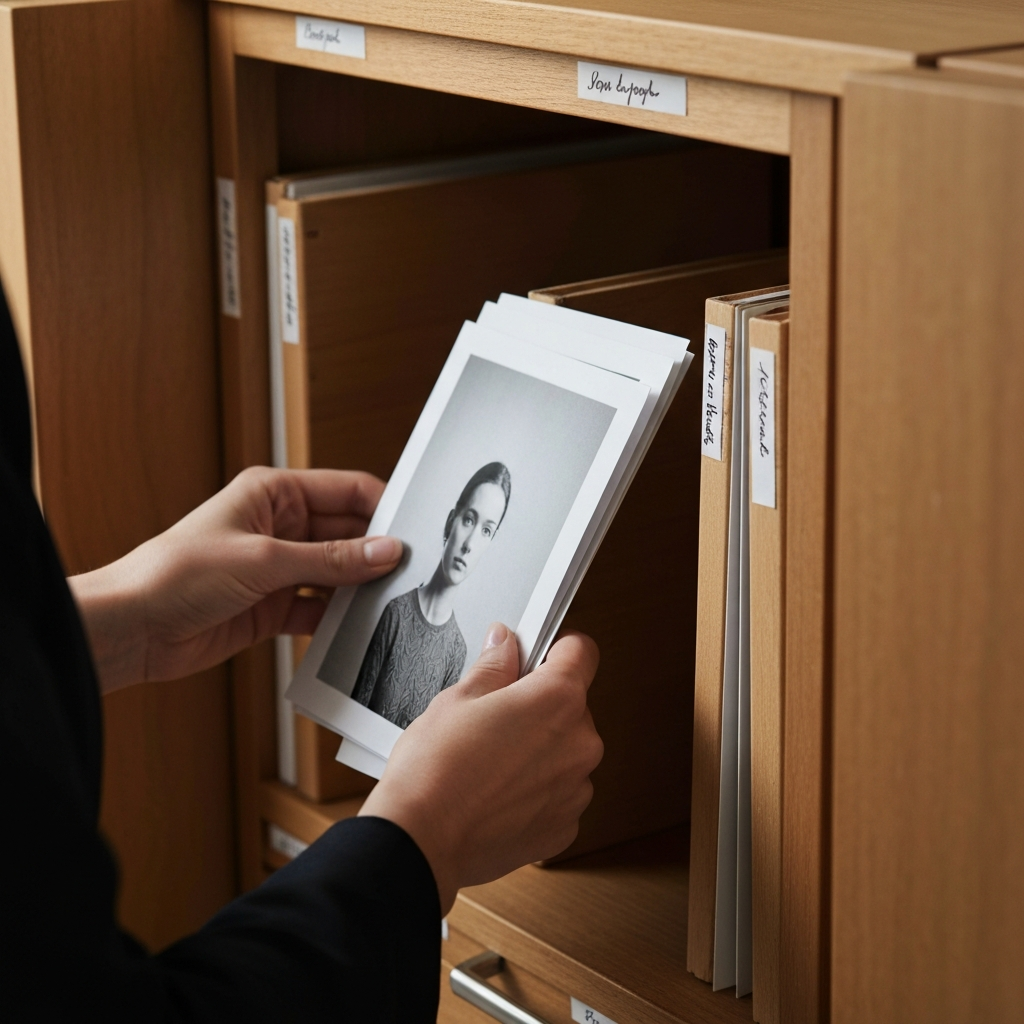
Organizing your memories into categories makes them easier to find and enjoy. Common categories include: Birthdays, Holidays, Vacations, Achievements, Everyday Moments, and Family Stories. You can also create categories specific to your family's interests and experiences, such as Sporting Events, Musical Performances, or Community Service. Establish clear naming conventions for folders and files to ensure consistency. For instance, use a date-based system (YYYY-MM-DD_EventName) for photos and videos.
Step 3: Gather Existing Memories
Before creating new memories, gather what you already have. This includes photos, videos, letters, documents, and even small keepsakes. Digitize physical items using a scanner or smartphone app (e.g., Google PhotoScan). Ask family members to contribute their own memories, broadening the scope and perspective of your archive. Don't be afraid to ask for help; this is a collaborative effort. Create a shared online space where everyone can upload their contributions.

Step 4: Establish a Memory Capture Routine
Consistency is key to building a thriving memory bank. Set aside time each week or month to capture and organize new memories. This could involve uploading photos from your phone, writing a short journal entry, or recording a family interview. Make it a fun and engaging activity, not a chore. Consider assigning different family members to be "memory keepers" on a rotating basis.

Step 5: Add Context and Stories
Photos and videos are valuable, but they're even more meaningful when accompanied by stories and context. Add captions to photos, write descriptions of events, and record audio or video interviews with family members. Capture not just what happened, but also how people felt. These personal narratives are what truly bring the memory bank to life. Use transcription services to convert audio recordings into text for easier searching and accessibility.
Step 6: Share and Celebrate Your Memories
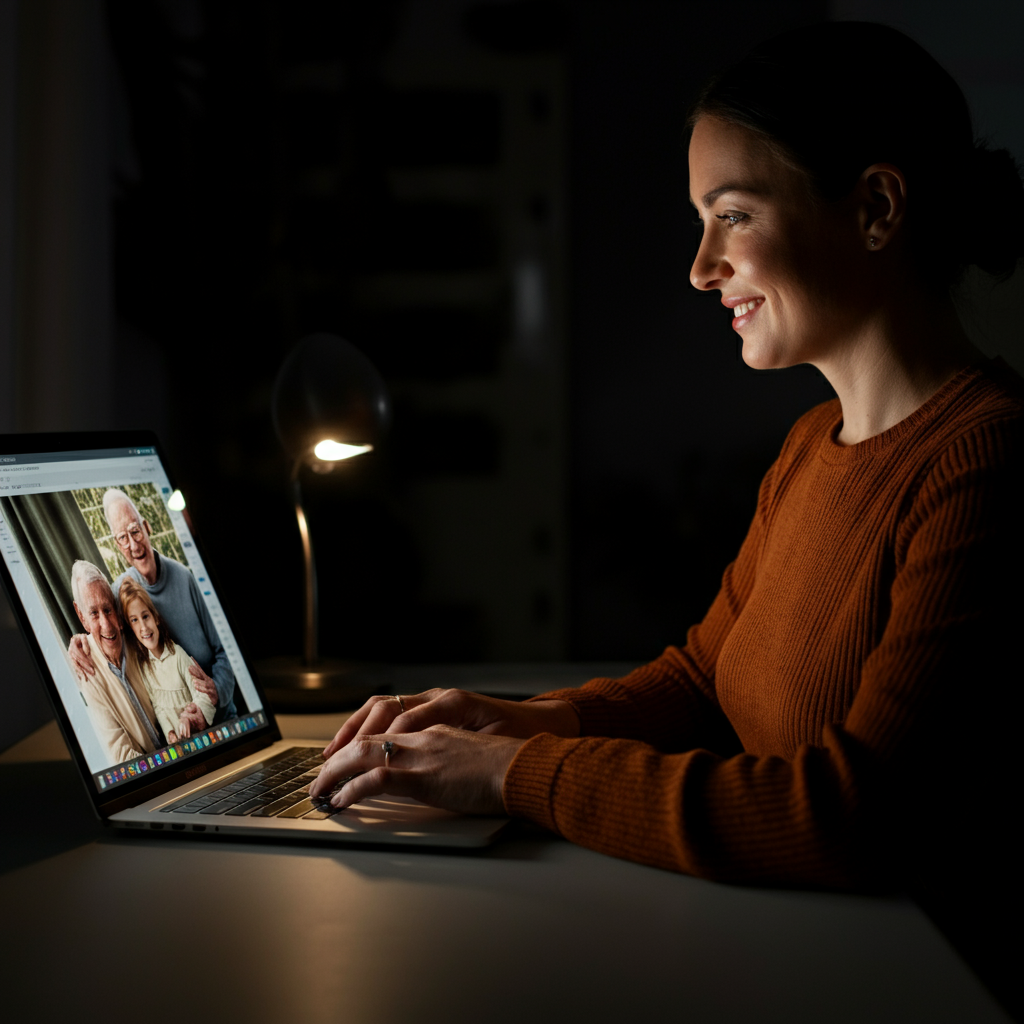
A memory bank is meant to be shared and enjoyed. Regularly share memories with family members through email, social media (in a private group), or during family gatherings. Create slideshows or videos for special occasions. Consider printing photo books or calendars as tangible reminders. The more you share your memories, the more valuable they become.

Step 7: Review and Update Regularly
Your memory bank is a living document that should evolve over time. Regularly review and update your collection, adding new memories and refining the organization. Delete duplicates or low-quality items. Perform regular backups to protect your precious memories from loss. Consider creating a "future self" folder where you can add notes and predictions for the years to come.

Tools or Materials Required
- Computer or Smartphone
- Scanner (for physical items)
- Cloud Storage Service or External Hard Drive
- Photo Organization Software (e.g., Adobe Lightroom, Google Photos)
- Audio Recording Equipment (optional)
- Journal or Notebook (optional)
Common Mistakes to Avoid
- Neglecting to back up your digital files.
- Using inconsistent naming conventions.
- Failing to add context and stories to photos and videos.
- Becoming overwhelmed and giving up. Start small and build gradually.
- Forgetting to involve other family members.
FAQ Section
Q: How do I protect my family's privacy when sharing memories online?
A: Use private social media groups or password-protected websites. Be mindful of what you share and who has access to it. Discuss privacy settings with family members beforehand.
Q: What if I don't have many old photos or videos?
A: Focus on capturing new memories and interviewing family members about their recollections. Even small details can be valuable.
Q: How do I deal with sensitive or difficult memories?
A: Approach these memories with sensitivity and respect. Consider omitting them if they are too painful or harmful. Alternatively, you can document them with appropriate context and disclaimers.
Conclusion
Building a family memory bank is a rewarding endeavor that will enrich your life and the lives of future generations. By choosing the right format, establishing consistent habits, and focusing on storytelling, you can create a dynamic and cherished archive that will be treasured for years to come. Remember, the most important thing is to start and to keep going, one memory at a time. Embrace the imperfections and celebrate the unique story of your family. Happy memory-making!