Deciding whether to buy a pre-built computer or build one yourself is a crucial decision for any tech enthusiast or professional. The "best" choice depends entirely on your individual needs, budget, technical expertise, and willingness to invest time and effort. Both approaches have distinct advantages and disadvantages.
Buying a pre-built system offers convenience and immediate usability. These systems come fully assembled and often include a warranty, providing peace of mind. However, you're limited to the configurations offered by manufacturers and may pay a premium for assembly and brand recognition.
Building your own PC, on the other hand, allows for complete customization and potentially lower costs for comparable components. You gain intimate knowledge of your system and can tailor it precisely to your specific needs. However, it requires technical knowledge, time for research and assembly, and carries the risk of encountering compatibility issues or damaging components.
This guide will walk you through the key factors to consider when making this decision, helping you determine the best path forward for your computing needs.
1. Assessing Your Needs and Budget
Before considering any hardware, define your primary use cases. Will the computer be for basic office tasks, gaming, video editing, or a combination? Different applications demand different levels of processing power, memory, and graphics capabilities. Then, establish a realistic budget, remembering to factor in the cost of an operating system, peripherals (monitor, keyboard, mouse), and any necessary software.

2. Evaluating Time Commitment
Building a PC isn't just about assembling components; it involves research, planning, and troubleshooting. Expect to spend several hours researching components, ensuring compatibility, and reading build guides. The actual assembly process can take anywhere from a few hours to a full day, depending on your experience. Buying a pre-built system, on the other hand, requires only the time to research and compare different models.
3. Technical Expertise and Comfort Level
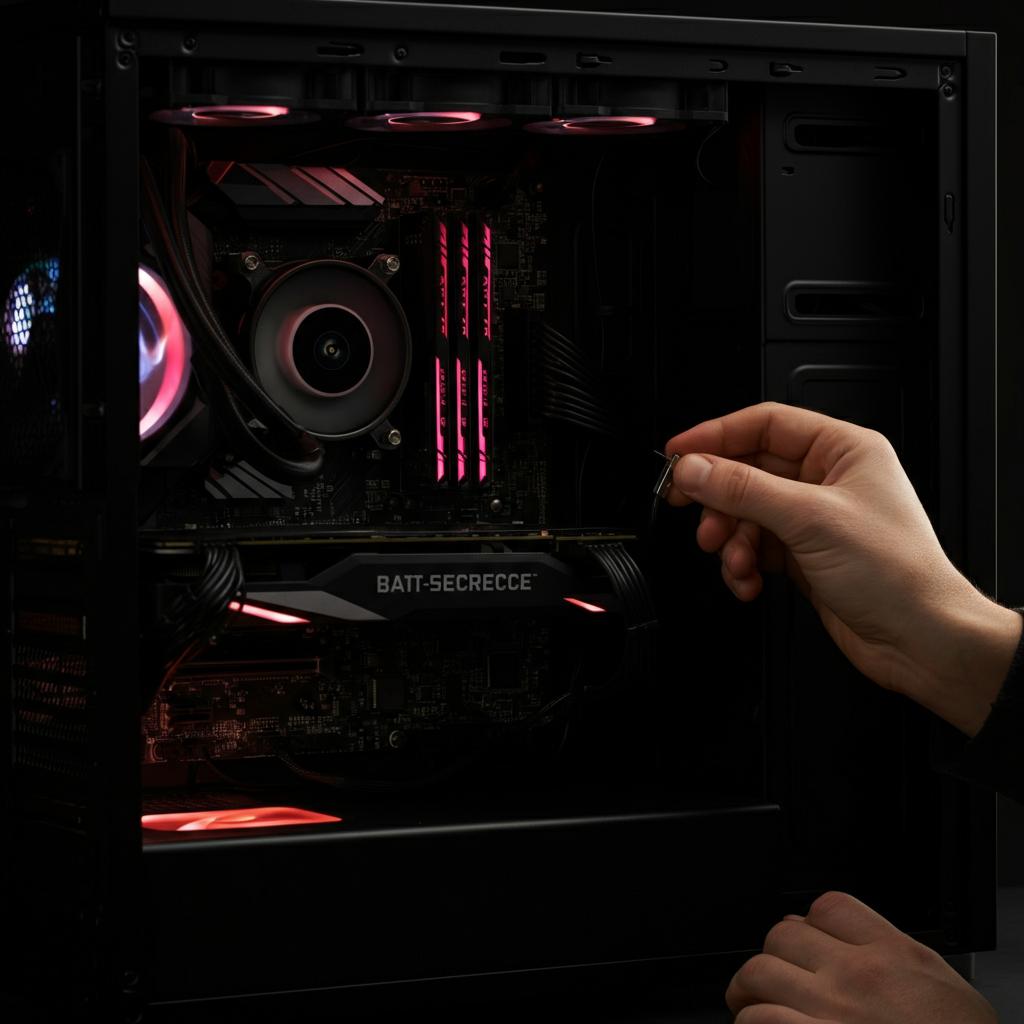
Building a PC requires a basic understanding of computer hardware and electronics. Are you comfortable handling delicate components, troubleshooting problems, and installing drivers? If not, a pre-built system might be a better option. Numerous online resources, such as YouTube tutorials and PC building guides, can help you learn the basics, but a willingness to learn and troubleshoot is essential.
4. Cost Analysis: Building vs. Buying
Contrary to popular belief, building a PC isn't always cheaper than buying one. While you can often save money on individual components, pre-built systems sometimes benefit from bulk purchasing discounts. Factor in the cost of all necessary components, including the operating system, assembly tools (if needed), and potential shipping fees. Used markets are a possible source for lower cost computers if you are on a limited budget.
5. Customization and Upgradeability
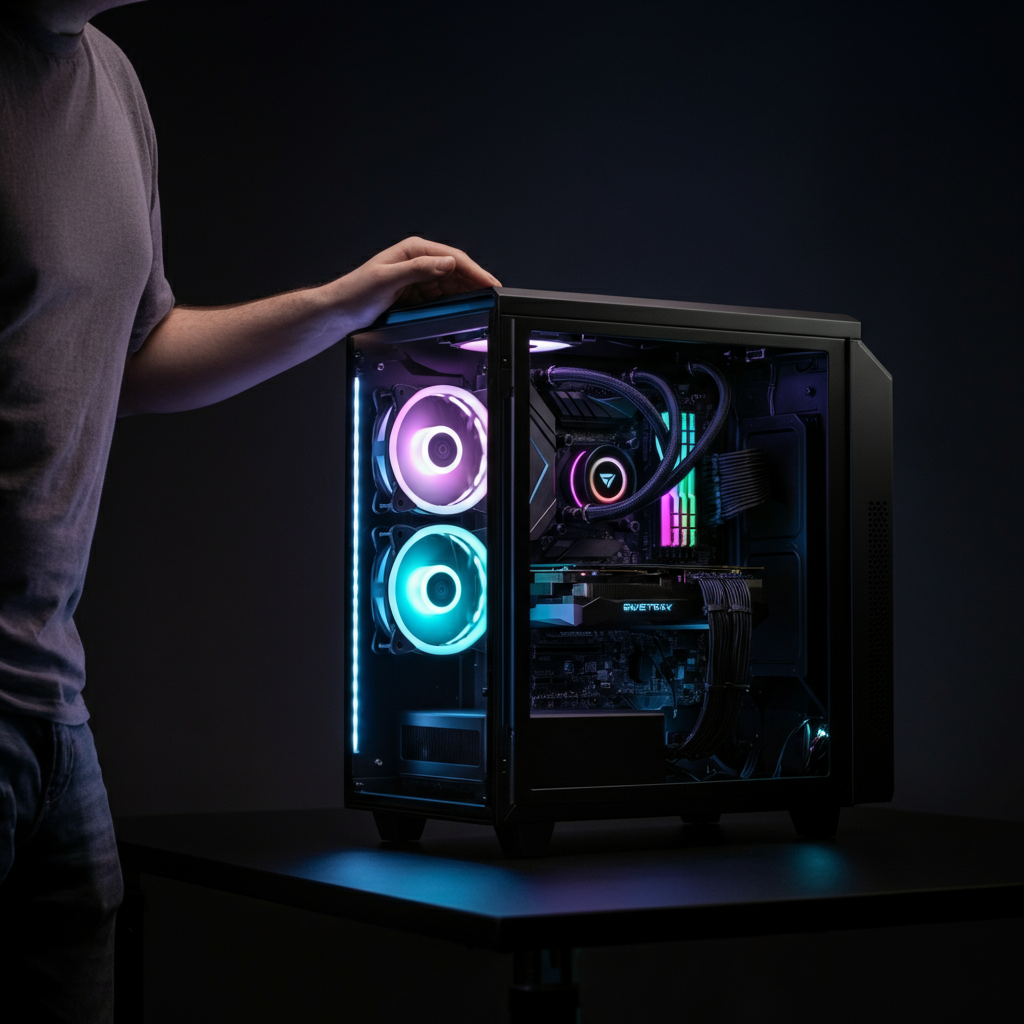
One of the most significant advantages of building your own PC is the ability to customize every aspect of the system. You can choose components that perfectly match your needs and preferences, and you have greater flexibility for future upgrades. Pre-built systems often have limited upgrade options due to proprietary components or restrictive case designs. Gamers especially value the ability to upgrade their computers in the future.
6. Warranty and Support
Pre-built systems typically come with a comprehensive warranty covering all components and labor. This can provide significant peace of mind, especially for less experienced users. When building your own PC, warranties are handled individually by each component manufacturer, which can be more complex to manage. Tech support for individual parts could also be non-existent.

7. Operating System and Software
Consider whether you need to purchase a new operating system license. Pre-built systems usually come with an operating system pre-installed, whereas you'll need to purchase and install one yourself if you build your own PC. Also, be aware that pre-built systems often come with bloatware (unwanted pre-installed software), which you'll need to remove. Building your own system allows for loading only the software you need or want.
Common Mistakes to Avoid
- Incompatible components: Ensure all components are compatible with each other, especially the motherboard and CPU. Use a PC building tool to verify compatibility.
- Insufficient power supply: Choose a power supply unit (PSU) with sufficient wattage to handle all components, including potential future upgrades.
- Forgetting essential accessories: Remember to purchase thermal paste for the CPU cooler, zip ties for cable management, and any necessary adapters or cables.
- Static electricity damage: Always ground yourself before handling computer components to prevent static electricity discharge.
- Improper component installation: Follow the instructions carefully when installing components, and avoid applying excessive force.
Pro Tips
- Research thoroughly: Read reviews, compare prices, and watch build guides before making any purchases.
- Start with a plan: Create a detailed parts list and budget before you begin.
- Don't be afraid to ask for help: Online forums and communities are excellent resources for troubleshooting and seeking advice.
- Take your time: Rushing the build process can lead to mistakes and damage.
- Manage cables effectively: Good cable management improves airflow and makes the system easier to work on in the future.
FAQ Section
- Q: Is building a PC cheaper than buying one?
- A: Not always. While you can often save money on individual components, pre-built systems sometimes benefit from bulk purchasing discounts. Compare the total cost of both options carefully.
- Q: How long does it take to build a PC?
- A: The actual assembly process can take anywhere from a few hours to a full day, depending on your experience and the complexity of the build.
- Q: What tools do I need to build a PC?
- A: You'll typically need a Phillips head screwdriver, zip ties or Velcro straps for cable management, and potentially an anti-static wrist strap.
- Q: Where can I find PC building guides and tutorials?
- A: YouTube, online forums, and tech websites offer a wealth of resources for learning how to build a PC.
- Q: What if I encounter problems during the build process?
- A: Consult online forums, seek advice from experienced builders, or contact the component manufacturers for support.
Conclusion
The decision to buy or build a computer hinges on your individual circumstances. If you prioritize convenience, warranty coverage, and ease of use, a pre-built system is likely the better choice. However, if you value customization, upgradeability, and the satisfaction of building something yourself, then building a PC can be a rewarding and cost-effective experience. Carefully weigh the factors outlined in this guide to make an informed decision that aligns with your needs and resources.